Cable category is one part of the system. Plan cabinets, pathways, patch panels, endpoints and spare capacity together so the installation can be operated and maintained.
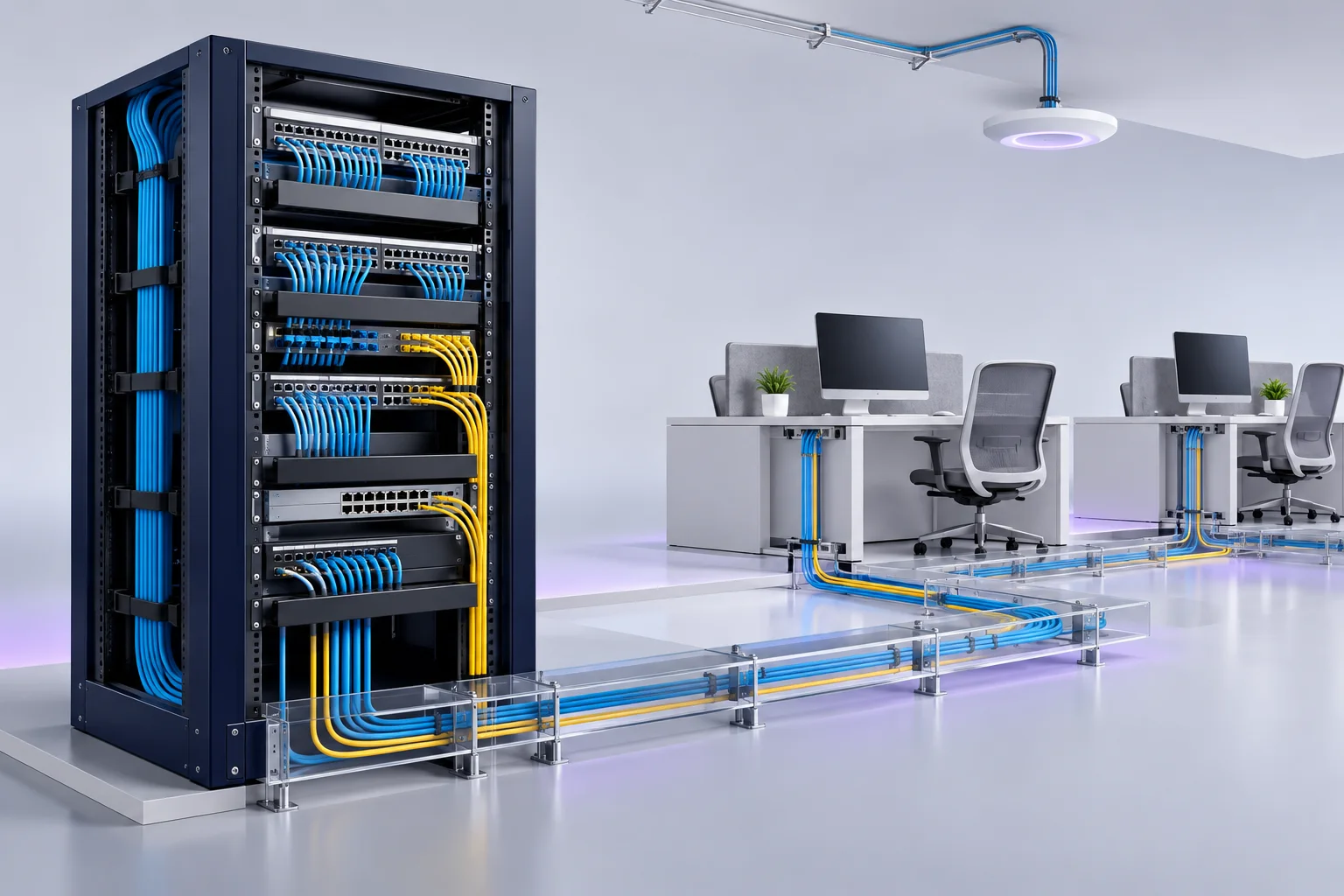
A cable path from rack to workspace
Every part of the channel must support the intended performance and be tested after installation.
Data / signal
Explore each part
Rack switch
Specify port speeds, PoE budget and uplinks for the site.
Rack switch → Patch panel
Patch cord
AI-generated equipment concepts, not photographs of specified models.
This example shows a copper channel. Fiber backbones and reach depend on the design and selected optics.
Choose copper cabling
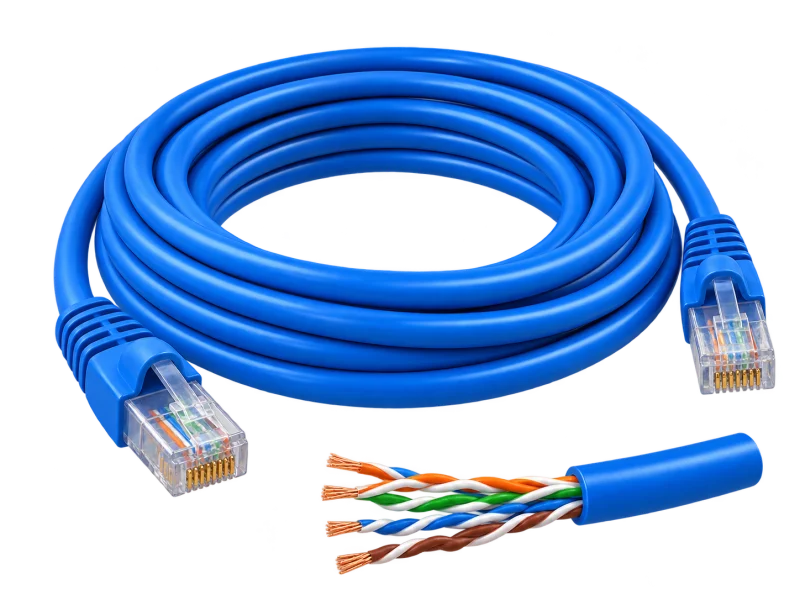
Compare Cat5e, Cat6 and Cat6A against the application. MHz describes the category’s test-frequency range, not internet speed.
AI-generated concept
Cat5e
Twisted pair · 100 MHz
Consider when
Assess existing runs for computers, IP phones or devices using a 1GbE link.
Speed and distance
Reference application: 1GbE within a 100 m channel.
What to verify
Check test results and both endpoints before reuse. Higher-rate applications need their own assessment; the category label alone is insufficient.
AI-generated concept
Cat6
Twisted pair · 250 MHz
Consider when
Consider for LAN outlets, IP cameras and Wi-Fi, with device speed and power requirements checked.
Speed and distance
1GbE within 100 m; 10GbE only on assessed shorter links.
What to verify
10GBASE-T in the 37–55 m range depends on alien crosstalk and testing of the installed link. A 55 m Cat6 run is not an automatic 10GbE guarantee.
AI-generated concept
Cat6A
Twisted pair · 500 MHz
Consider when
Consider for new 10GbE cabling and planned endpoint upgrades.
Speed and distance
Designed for 10GBASE-T within a 100 m channel.
What to verify
Specify compatible cable, jacks, panels and patch cords. Check pathway space, bend radius and the agreed test requirements.
References: Fluke Networks · channel, permanent link and testingFluke Networks · 10GBASE-T field testing
What counts toward 100 m
For the usual Cat5e/Cat6/Cat6A channel model, plan a permanent link of no more than 90 m and no more than 100 m including patch cords at both ends. The 100 m figure is not a bulk-cable allowance before adding cords.
Temperature, conductor size, patch-cord construction and the application can reduce permitted reach. For longer routes, assess an additional cabinet or fiber rather than assuming an extended copper run will qualify.
Fiber for backbone links
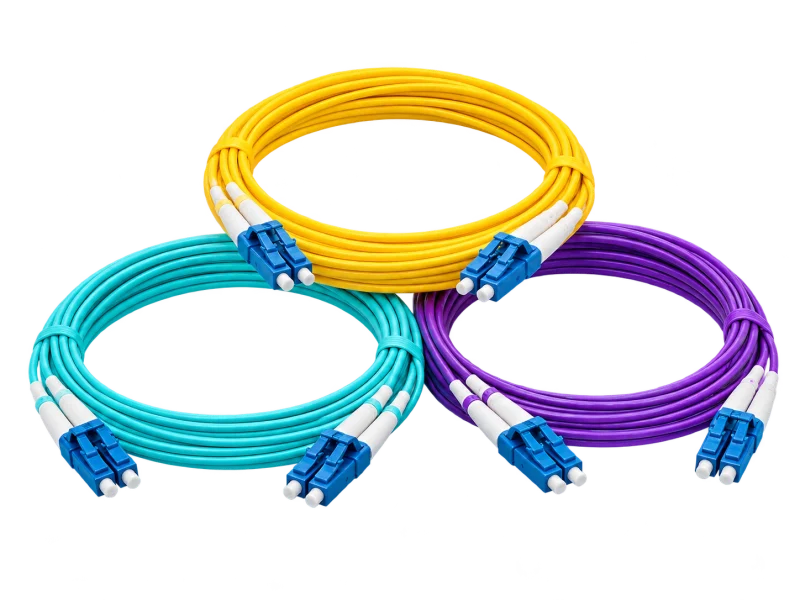
Select OM3, OM4 or OS2 together with both optical transceivers, data rate, connectors and the loss budget. There is no single reach that applies to every fiber system.
AI-generated concept
OM3
Multimode · 50/125 µm
Consider when
Links between cabinets or floors where the optics and distance are suitable.
Example link reach
Cisco 10GBASE-SR example: up to 300 m.
What to verify
This is a 10GBASE-SR example, not an OM3 distance for every data rate.
AI-generated concept
OM4
Multimode · 50/125 µm
Consider when
Compare with OM3 where reach or upgrade plans need higher multimode performance.
Example link reach
Cisco 10GBASE-SR example: up to 400 m.
What to verify
Recheck module reach and connection type when moving to 25/40/100GbE.
AI-generated concept
OS2
Single-mode
Consider when
Consider for interbuilding or longer links with application-matched optics.
Example link reach
10GBASE-LR on G.652 fiber example: up to 10 km.
What to verify
Confirm the selected OS2 fiber meets the module specification. Actual reach depends on optical power and link loss.
The distances above are Cisco module examples, not installation guarantees. Verify switch-supported modules, wavelength, connector type, transmit/receive polarity and connector/splice losses before specification.
Survey routes near motors, drives and power wiring before choosing unshielded or shielded cabling. Shield continuity must include connectors and panels, with bonding and grounding designed for the building. Changing only the cable is insufficient.
Check the device’s PoE type, per-port capability and the switch’s total power budget, including backup-power needs. Plan for actual loads and cable losses; port count does not establish available power.
References: Cisco · PoE devices and switch power budgets
Copper conductors
Specify solid-copper conductors for permanent installation and suitable copper patch cords. Avoid copper-clad aluminium (CCA): its higher resistance increases heating under PoE. Also assess conductor size, temperature and bundle conditions.
References: Fluke Networks · copper-clad aluminium and PoE
Indoor and outdoor routes
Select the jacket for moisture, sunlight, temperature and routing conditions, then check flame and smoke requirements at building entry. “Outdoor” or “LSZH” alone does not establish suitability everywhere; verify the specific datasheet and project requirements.
The LINK Cat6 LSZH example specifies indoor use and solid-copper conductors. Review the actual model’s datasheet: brand name or jacket colour cannot replace technical requirements.
References: LINK · Cat6 LSZH construction example (PDF)
Test and document
Agree the checks, acceptance criteria and records before installation so the test results have a defined scope.
Define the test scope
Agree on permanent-link, channel or MPTL testing for the installed topology, including limits and deliverable reports. A continuity check is not a category-performance test.
Check the fiber link
Define connector inspection/cleaning, polarity and connector checks, optical-loss measurements and any project-required OTDR testing. Verify operation with the actual optics and equipment.
Make the installation traceable
Agree cable IDs, labels at both ends, rack layouts, port schedules and as-built routes. Organize test files by link ID, with equipment and spare-capacity records.
References: Fluke Networks · channel, permanent link and testing
Planning references
Sources reviewed:
Use this guide to begin planning. Model specifications and test criteria are confirmed for the project; this is not system certification or a guaranteed test result.
Start with your floor plan
Share cabinet locations, outlet counts, approximate distances, PoE devices and existing routes to define the system and survey scope.

 AI-generated concept
 AI-generated concept