Most sites need both: a wired core for fixed devices and Wi-Fi for people on the move. Plan them together from the start.
Wired LAN
Switches + structured cabling
Internet / firewallThe edge of your network
Core switchLinks floors and servers
Access switch + PoEPorts and PoE to devices
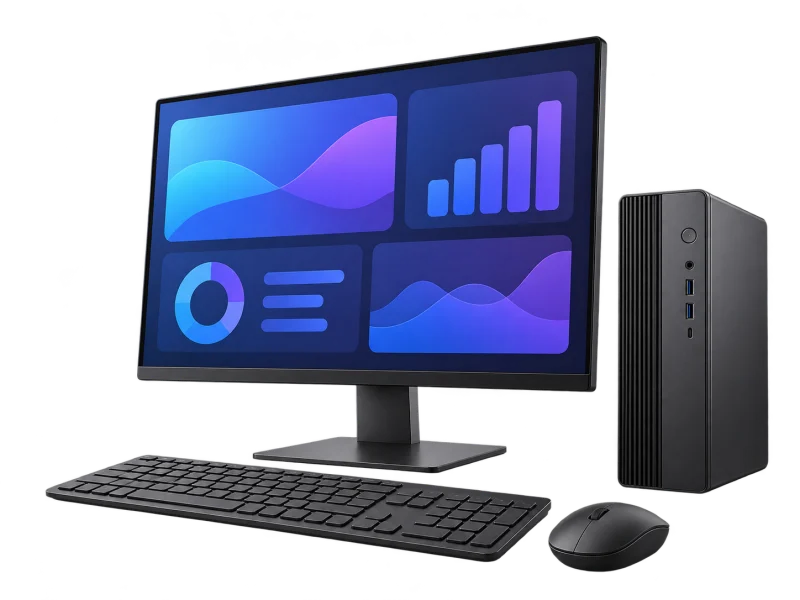
Fixed devicesPCs, cameras, phones
Cabled links give fixed devices steady bandwidth, plus PoE power where devices support it.
Consider when
Desks, servers, cameras, printers and anything that should not depend on radio.
Check the match
Port counts, uplink speeds, total PoE budget and rack space on each floor.
Wi-Fi
TP-Link Omada access points + controller
ControllerConfigure and monitor in one place
PoE switchPower and uplink to each AP
Access pointCeiling or wall mounted
UsersLaptops, phones, scanners
Coverage and speed depend on walls, materials, user numbers and the client devices, so we survey before choosing positions.
Consider when
Offices, warehouses, hotels and any space where people move between areas.
Check the match
AP positions, channel plan, roaming between APs and VLANs separating guests, staff and devices.
AI-generated equipment concepts, not photographs of specified models.
Peak Wi-Fi rates are radio link rates, not internet speed.
The equipment behind the network
Each piece is sized to your users, connected devices and long-term support.
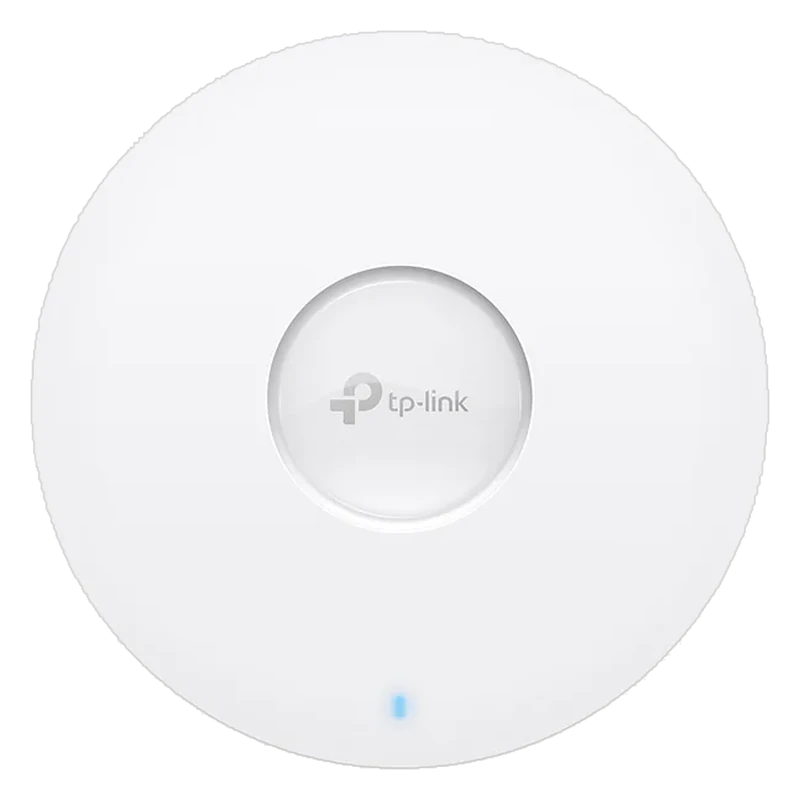
01Wi-Fi 6 access point
Access points: Wi-Fi where people work
Example: TP-Link Omada EAP610 — AX1800 dual-band Wi-Fi 6, one Gigabit port, 802.3at PoE, ceiling or wall mount (confirm the hardware revision).
02
AI-generated concept
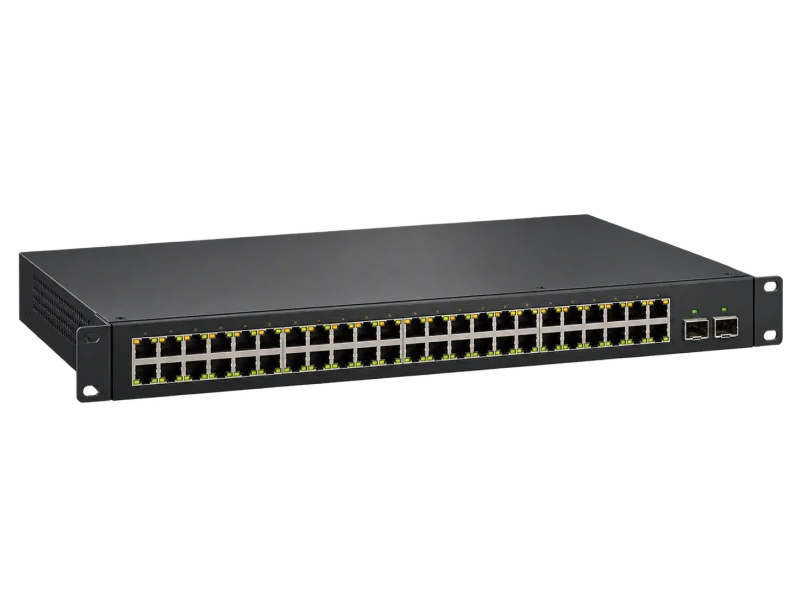
PoE switch
PoE switches: data and power on one cable
Size port count, PoE standard and total power budget for the access points, cameras and phones connected.
03
AI-generated concept
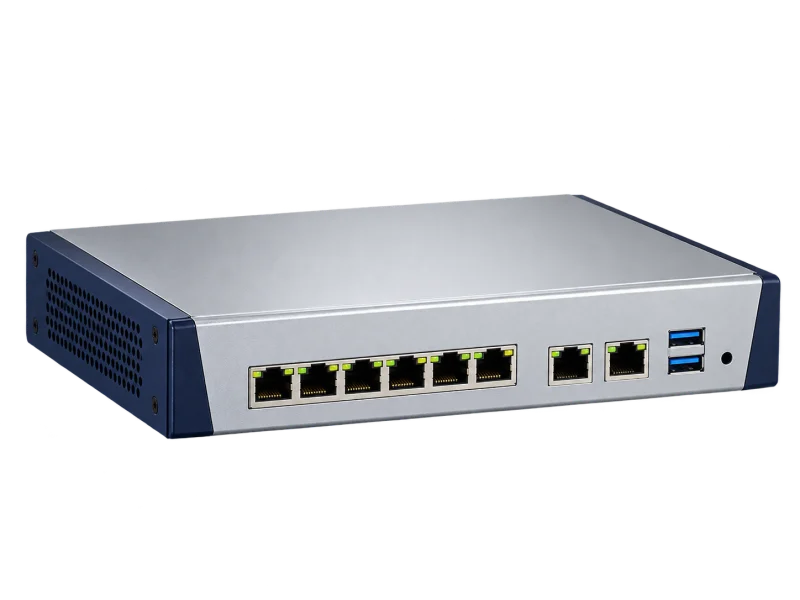
Gateway / firewall
Gateway and firewall: the network edge
Connects internet lines, separates networks and controls what each VLAN can reach.
04
AI-generated concept
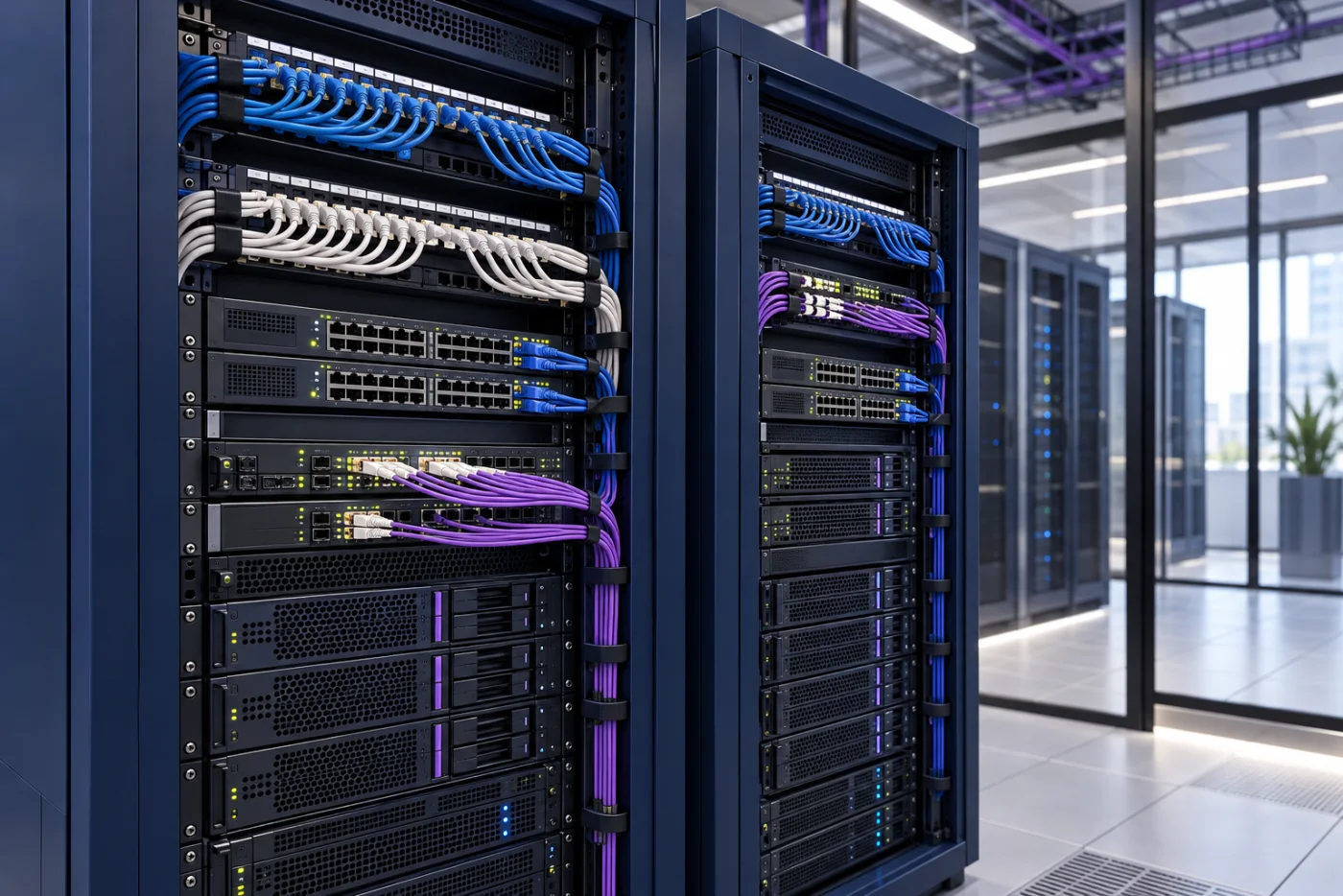
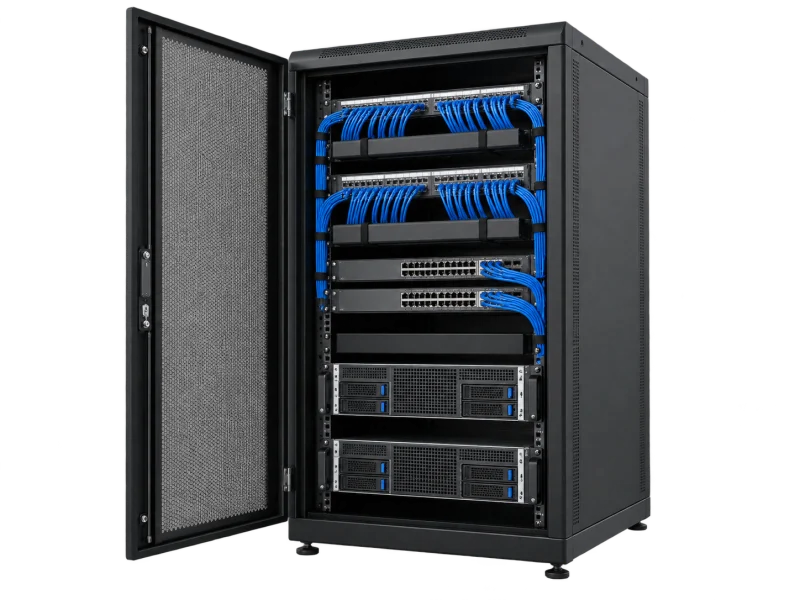
Racks & cabling
Racks and structured cabling
Labelled patch panels, cable management and ventilation keep the network core maintainable.
Models, capabilities and controller compatibility are confirmed by hardware revision in each project proposal.
Design for the space
Each kind of space needs different AP placement, signal planning and equipment.
AI-generated setting
Offices
Open desks and meeting rooms
Plan for peaks during meetings and video calls
AI-generated setting
Warehouses
High ceilings and racking
Racking blocks signal; test along the aisles
AI-generated setting
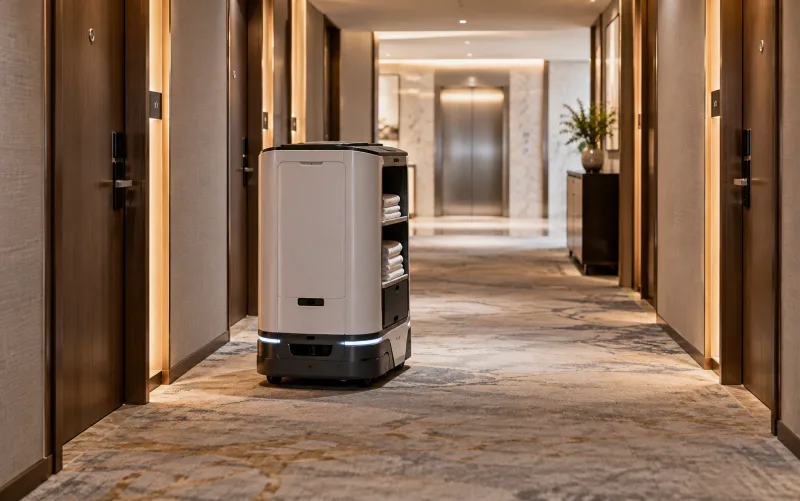
Hotels and residences
Many rooms and walls
Separate guest traffic from hotel systems
AI-generated setting
Outdoor areas
Yards and car parks
Use outdoor-rated, weather-protected equipment
Technology that keeps the network manageable
VLAN segmentation
Guests, staff, cameras and IoT devices sit on separate networks, limiting risk and controlling access.
Central management
The Omada controller configures and monitors access points, switches and gateways in one place; features depend on model compatibility.
Wi-Fi 6 for busy spaces
The 802.11ax standard handles many devices more efficiently than older Wi-Fi when client devices support it.
Omada SDN: the whole network in one dashboard
Software-defined networking (SDN) moves setup and monitoring from each device to one controller. TP-Link Omada brings gateways, switches and access points into one platform, managed from the web or an app.
Omada SDN
Internet
Omada Controller
Gateway
PoE switch
AP · level 1
AP · level 2
AP · level 3
1 dashboard · every device
Omada SDN: one controller for the network
Devices are adopted into one Omada controller. Wi-Fi networks and VLANs are set once and pushed to every device; topology, traffic and alerts are seen in one place, on the web or the Omada app.
Adopt devices into the controller
Set Wi-Fi and VLANs once
Settings pushed to every device
Watch topology and alerts in one place
User traffic
Controller management
Three controllers. Choose for your organisation.
Cloud-Based Controller
ZTP
Where it runs
Runs entirely in the cloud; no hardware to buy or install
Scale
Unlimited devices and sites
Cost model
Essentials is free; Standard is a paid licence for advanced capabilities
Best for
Multi-branch businesses and sites without on-site IT
Hardware Controller
ZTP
Where it runs
An on-site controller appliance; no PC or server to keep running
Scale
Up to 1,000 access points and 200 switches, by model
Cost model
One-time purchase, with remote access through Omada Cloud included
Best for
Offices and plants that want on-site control without a server
Software Controller
Where it runs
A free application on your own PC or server
Scale
Unlimited, scaling with the server’s resources
Cost model
No subscription; you look after the server
Best for
Organisations with their own server and IT team
What Omada SDN gives you
One dashboard
Configure, monitor and troubleshoot Omada access points, switches and gateways from one interface.
Zero-touch provisioning
New devices adopt the existing configuration when connected, so new sites come online without a technician configuring them on site (cloud and hardware controllers).
Many sites, one place
Configure and monitor devices across locations from one interface; hardware controllers add batch management and site templates.
Topology and alerts
Real-time topology, traffic dashboards and notifications help find and fix issues remotely.
Omada app
Configure settings, check network status and manage clients from a phone or tablet, locally or through the cloud.
Traffic flows without the controller
The controller handles configuration and monitoring, not live traffic. If it is unreachable, devices keep their settings and keep passing traffic.
From TP-Link’s Omada Controller page and “Introduction to Omada”. Features depend on the controller type, licence and each device’s hardware version, confirmed in the project proposal. ZTP = zero-touch provisioning.
How DPI designs your network
We start from real requirements and user numbers, design and install, then listen to feedback and adjust every time to keep the network performing.
Network quality loopEvery piece of feedback starts another round
Step 1 of 6
Listen to what users need
We start with the people who use the network, what they use it for and what must never stop.
How many staff and guests
Devices per person: laptops, phones, scanners
Key work: video calls, cloud apps, POS, cameras
Security, guest Wi-Fi and growth plans
What you receiveA requirement summary agreed with you
Two brands. Choose for your organisation.
TP-Link Omada leads for most businesses; Cisco fits organisations already standardised on it.
Customer favorite
TP-Link Omada
Best for
Offices, hotels, warehouses and businesses wanting centrally managed Wi-Fi and switching
Why choose it
Omada brings access points, switches and gateways under one controller
Before choosing
Confirm hardware revision and controller compatibility
Cisco
Best for
Organisations with existing Cisco networks or IT policy that specifies it
Why choose it
Extends an existing network so your IT team keeps the same tools
Before choosing
Confirm licences, support contracts and compatibility with existing equipment
This is DPI design guidance, not a quality or price ranking.
LINK American StandardThe cabling DPI specifies for its systems
A fast network starts with the right cable
DPI specifies LINK cabling from the network core to every outlet, matched to distance, PoE and testing.
Horizontal runs to desks, ceiling access points, IP phones and cameras inside the building.
US-9156ALSZHLSZH jacketCat6A UTP · LSZHSuper-S series · LSZH jacket · ø 7.0 mm
Links planned for 10GBASE-T at full channel length, such as switch or server uplinks; Cat6A is the reference design for this.
US-9106OUTOutdoorCat6 UTP outdoorPE double jacket · 23 AWG · black
Access points and cameras in car parks, yards and other runs outside the building.
Channel length
Plan conventional Ethernet channels up to 100 m including patch cords.
PoE and heat
Large bundles carrying PoE need heat and total power considered.
Test and label
Test every link, label both ends and hand over the results.
Model names and constructions are from LINK’s product list. Cable standards support the design; end-to-end performance is confirmed through the selected equipment, terminations, routing and project acceptance tests.
When the core or PoE switch loses power, everything behind it goes down with it: access points, IP phones, cameras and the whole organisation’s internet.
The UPS brand DPI supplies and installs
Power cut
UPS takes over
Access points, cameras and internet stay up
What the UPS keeps running
Firewall / router
Core switch
PoE switch
Wi-Fi controller
Put a UPS in every rack, and include the PoE power the switch delivers to devices when sizing it.
One team from survey, design and supply to installation, testing and after-sales support.
01
Authorized distributor and certified partner
Equipment sourced through authorized channels, with model advice and the manufacturer’s warranty terms.
02
Designed from a site survey
We map walls, ceilings, user numbers and existing equipment before positioning access points and switches.
03
The whole system, not just devices
Internet edge, switching, Wi-Fi, LINK cabling and racks designed as one, ready for CCTV and access control.
04
Honest brand advice
TP-Link Omada for managed business networks; Cisco where your organisation already standardises on it.
05
Tested before handover
Coverage walk-test, VLAN and roaming checks, labelled ports and a network map for your IT team.
06
Ongoing support nationwide
A Pathum Thani team providing maintenance and technical support across Thailand.
Book a site surveyModels, terms and warranty are specified in each project quotation.
Connect people to the business network
Plan the data path from external services to the spaces where people work.
Office · level 208:30:18
Edge: internet + firewall
LINK Cat6 from the PoE switch carries data to every desk, and power to PoE phones and cameras
Internet / firewallThe edge of your network
01
Core switchLinks floors and servers
02
PoE switch + LINK Cat6Data and power to devices
03
DesksPCs, phones, cameras
04
Secure the internet edge
Internet traffic passes the firewall before reaching the core switch; security policy and segmentation start here.
Scene, timing and readings are illustrative, not an installation drawing or measurement. Speeds, PoE power and coverage depend on the equipment, cabling and site survey.
AI-generated equipment concepts, not photographs of specified models.
An operating concept, not an installation drawing. Devices, paths and interfaces are defined after the site survey.
Before you specify
Provide floor plans, concurrent user counts and critical applications for a wireless survey and access-point placement.
Check port speeds, uplinks, PoE standards and the switch's total power budget against the chosen devices.
Plan staff and guest VLANs, then check hardware revision, firmware and controller compatibility.
Testing & handover
Agree coverage and application tests, verify network separation, and hand over diagrams, administrator access and configuration backups.
Equipment details, compatibility and scope must be confirmed for each project.
Manufacturer references
TP-Link Thailand — EAP610 specifications and feature notes
Omada — EAP610 hardware revisions and specifications
Before you decide
Does AX1800 mean 1.8 Gbps internet speed?
No. It describes an aggregate wireless signal-rate class. Actual throughput depends on clients, interference, uplinks and the internet service.
Are Omada features available on every revision?
Check hardware, firmware and controller support. Mesh, roaming and cloud management have specific compatibility requirements.
From survey to support
The same six stages on every project, so the system is ready on handover day.

 AI-generated concept
 AI-generated setting
 AI-generated setting
 AI-generated setting
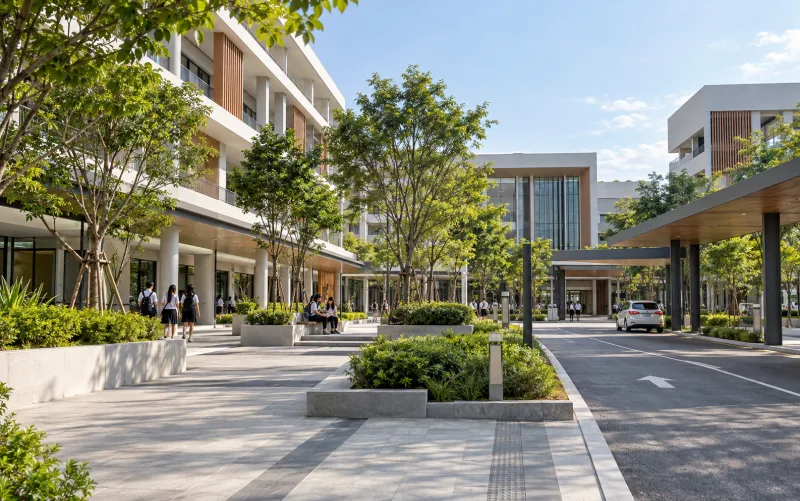 AI-generated setting
 Omada SDN

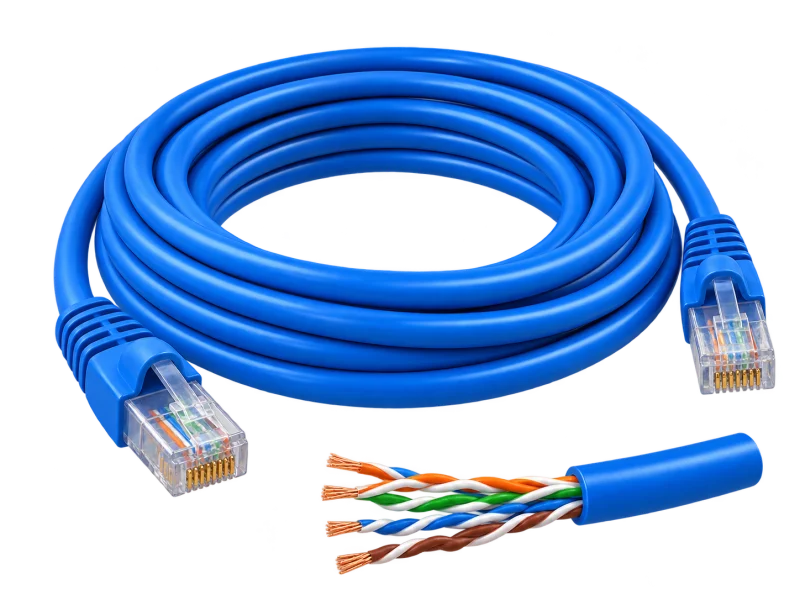 AI-generated concept