Double P Intelligent Product Co., Ltd. logoDPI GROUP
Contact us

Two approaches. Start with your doors.

A few doors managed one by one, or many doors with permissions and history in one place?

Standalone

Smart lock or standalone reader
  1. Card / PINThe user identifies
  2. Reader at the doorChecks on the device
  3. Local user listAdded or removed at the door
  4. Power or batteryAs the model specifies

Simple to install, with fewer management and integration options than a central system.

Consider when
Small offices, store rooms or a few doors.
Check the match
Supported user count, card type and behaviour when the battery runs low.

Centrally managed

Controllers + software
  1. Card, face or QRThe user identifies
  2. ReadersAt doors or turnstiles
  3. ControllerDecides and drives the lock
  4. Management softwareLevels, schedules and logs

Group doors, people and access levels, then assign credentials and permitted times in one place.

Consider when
Many doors or buildings, or entry history linked to CCTV.
Check the match
Reader, controller and existing card compatibility, plus emergency-exit behaviour.

AI-generated equipment concepts, not photographs of specified models.

Existing locks, cards and readers cannot be assumed compatible; each is checked.

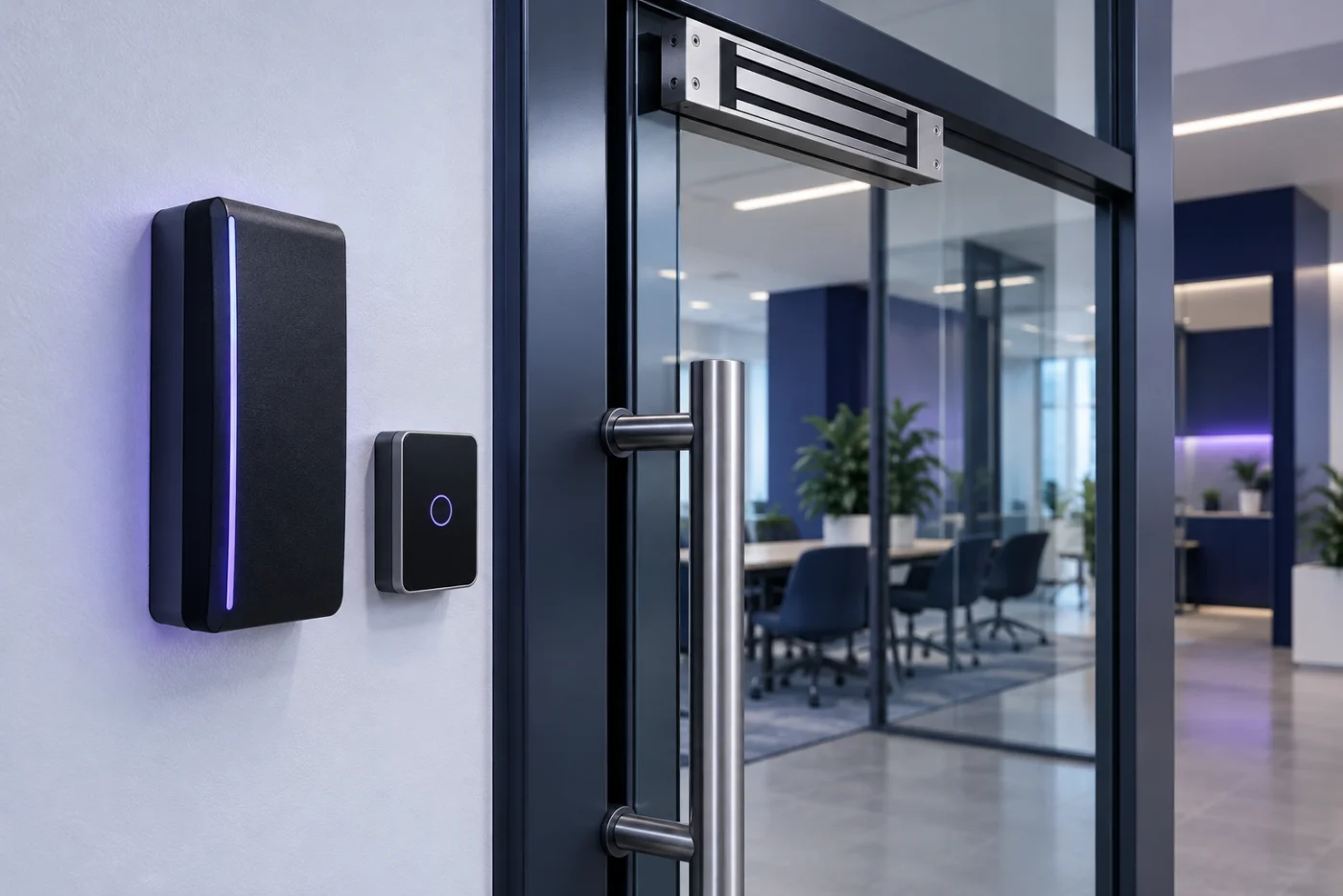
Access control equipment

Every door needs a reader, lock and status devices that work together.

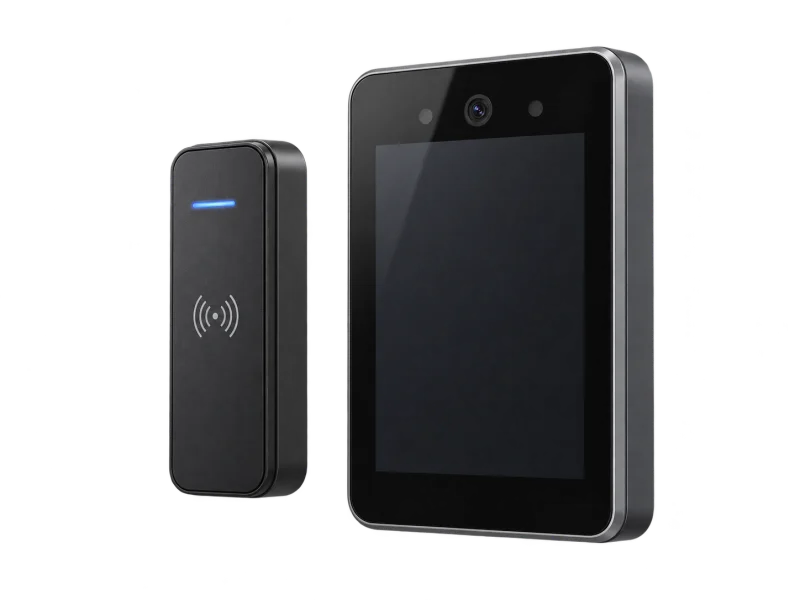
Card reader and face recognition terminal — concept illustrationAI-generated concept
Readers

Card readers and face terminals

Credential type chosen for each door’s security level and user count.

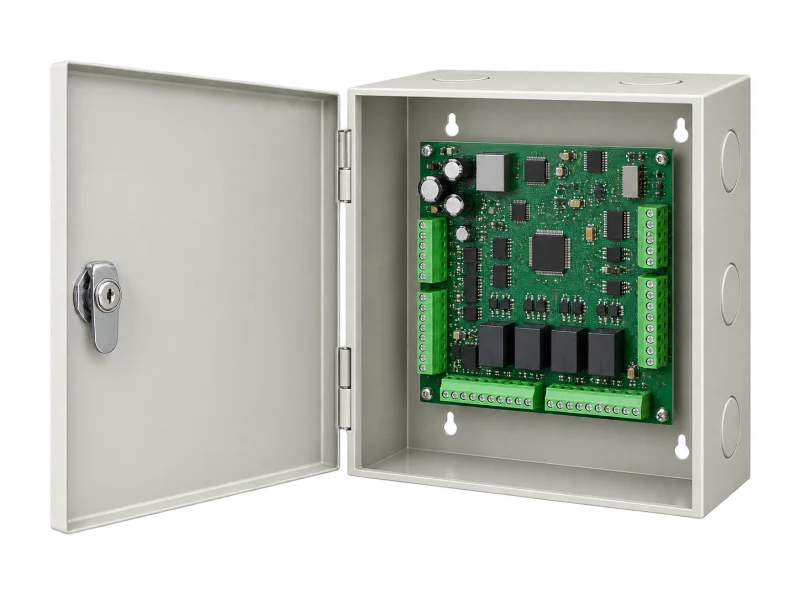
Door access controller enclosure — concept illustrationAI-generated concept
Controllers

Network controllers

Example ZKTeco C3 Plus: an IP-based controller family supporting RFID and dynamic QR credentials.

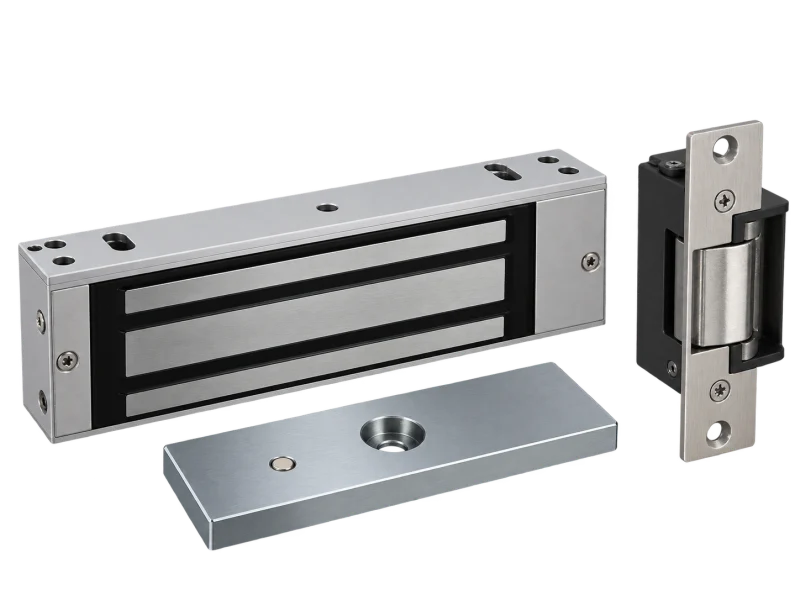
Electromagnetic lock and electric strike — concept illustrationAI-generated concept
Locks

Electric locks

Lock type chosen for the door, frame and agreed power-loss behaviour with the building team.

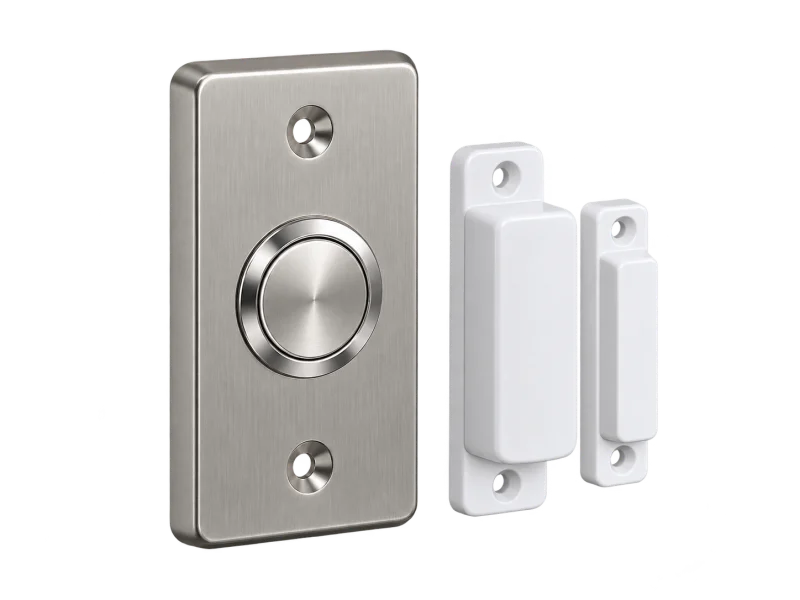
Exit button and magnetic door sensor — concept illustrationAI-generated concept
Exit & sensors

Exit buttons and door sensors

Request-to-exit buttons, and sensors that show whether a door is closed or held open.

Models, firmware, warranty and support provider are confirmed before quotation.

Choose the credential

Each method differs in convenience, security and the personal data you must handle.

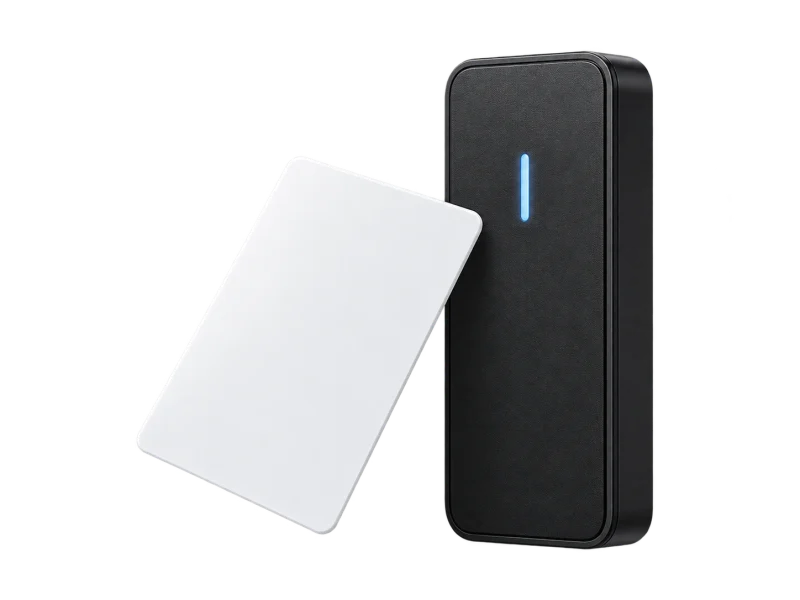
RFID access card and reader — concept illustrationAI-generated concept

RFID card

Simple and affordable

Cards can be lost or shared; manage returns
Card reader and face recognition terminal — concept illustrationAI-generated concept

Face recognition

No card to carry

Privacy policy and data retention
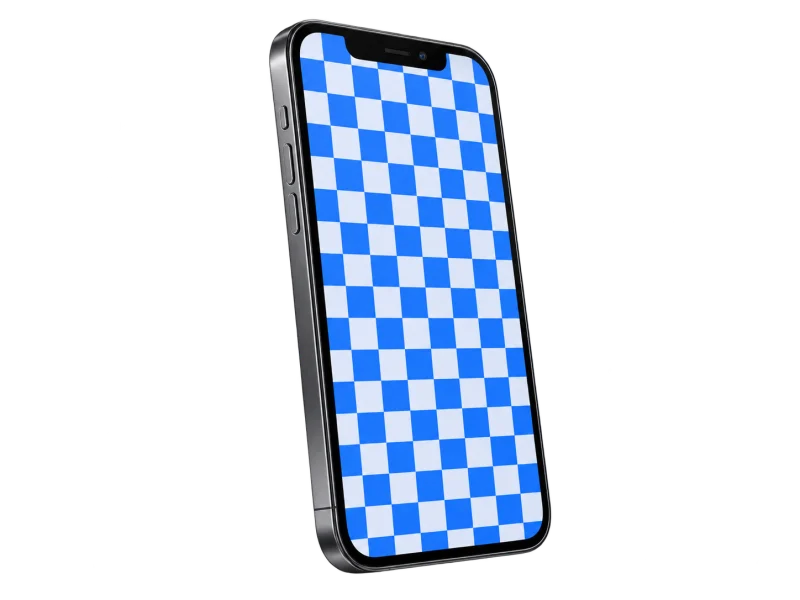
Phone with an illustrative mobile-entry pattern — concept illustrationAI-generated concept

QR / mobile

Visitors and temporary access

Models supporting dynamic QR
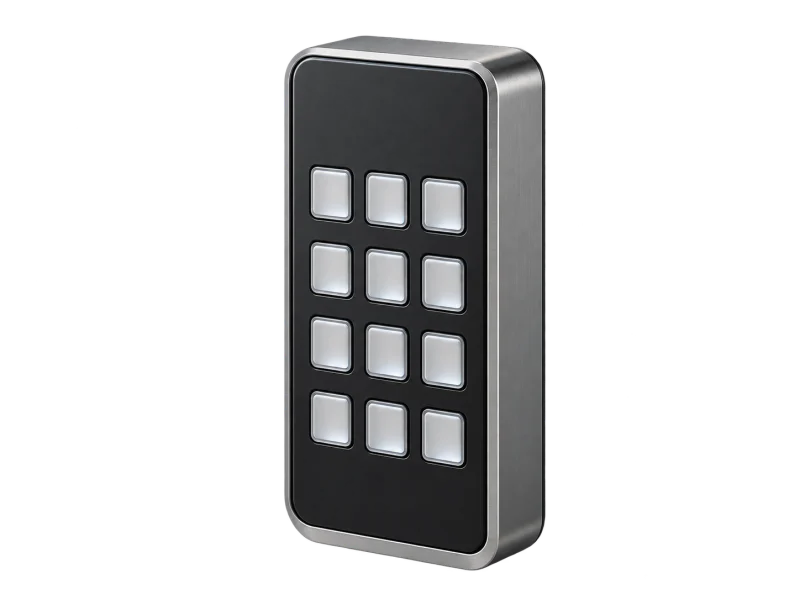
Door access keypad — concept illustrationAI-generated concept

PIN code

Internal doors and specific rooms

Change codes regularly

Technology that makes control real

Access levels and schedules

Decide who can open which door and when, then change it in software.

Event logs

Records of allowed and denied entries, with agreed viewers and retention.

Linked systems

Links to CCTV, parking or fire alarm, as designed and supported by the models.

Two brands. Choose for your existing system.

Hikvision and ZKTeco both offer complete access control; choose by your security system and credentials.

Hikvision

Best for
Sites on Hikvision CCTV that want doors and video together
Why choose it
Groups doors, people and access levels, with credentials and permitted times
Before choosing
The selected models’ and software capabilities

ZKTeco

Best for
Organisations already on ZKTeco, or wanting QR for visitors
Why choose it
IP-based controllers supporting RFID and dynamic QR
Before choosing
Confirm model, firmware and local support

Emergency egress and personal data are reviewed with the responsible building professionals on each project.

LINK American StandardThe cabling DPI specifies for its systems

Dependable doors start with the right cable

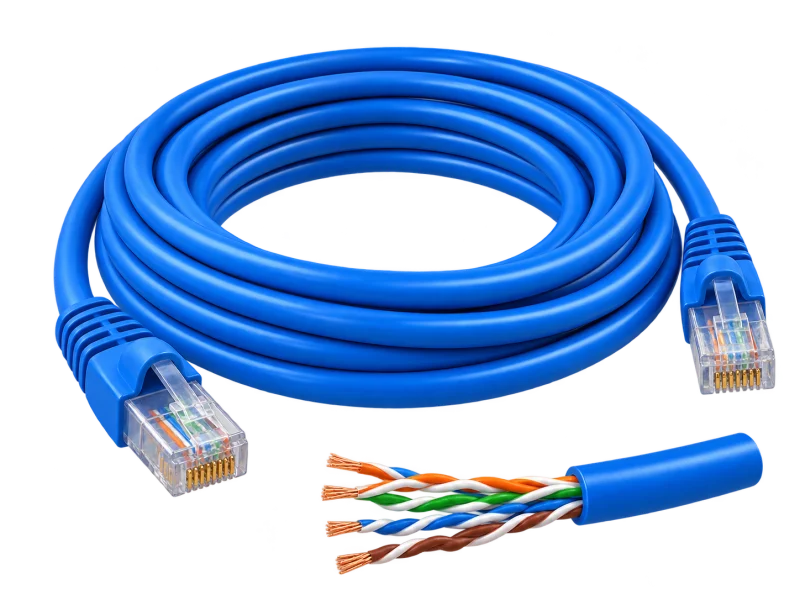
Network controllers and readers run on LINK cabling; DPI plans routes, power and tests at every door.

  • US-9106LSZHIndoorCat6 UTP · LSZH250 MHz · 23 AWG · cross filler · ANSI/TIA-568.2-D Category 6

    Indoor card readers, face terminals and door controllers.

  • US-9106PWOutdoorCat6 UTP outdoor + power wirePE jacket · power wire built in · black

    Outdoor gate and barrier readers that need power alongside data; check the power wire against the device and lock load.

  • US-9106OUTOutdoorCat6 UTP outdoorPE double jacket · 23 AWG · black

    Outdoor turnstiles, gate readers and intercoms powered by PoE.

Connection at each door

Network cabling to every controller and reader position.

Power for locks

Agree lock power and the behaviour during an outage.

Test every door

Test allowed and denied credentials, schedules and logs.

Model names and constructions are from LINK’s product list. Cable standards support the design; end-to-end performance is confirmed through the selected equipment, terminations, routing and project acceptance tests.

Explore cabling and acceptance testing
Backup power

Why door access needs backup power

In an outage, doors must behave exactly as agreed — not stuck locked or left open by accident — and controllers must keep logging events.

APC by Schneider ElectricThe UPS brand DPI supplies and installs
  1. Power cut
  2. UPS takes over
  3. Doors behave as agreed in an outage

What the UPS keeps running

  • Door controllers
  • Card and face readers
  • Management server
  • Network switch

Lock power supplies often carry their own battery; the UPS covers the server and network. Agree which doors release or stay locked in an outage, in line with the building’s safety and fire requirements.

How to choose the right UPS

Why buy your access control from DPI

One team from survey, design and supply to installation, testing and after-sales support.

Authorized distributor and certified partner

Equipment sourced through authorized channels, with model advice and the manufacturer’s warranty terms.

Designed from a site survey

Doors, user groups and daily workflows are mapped before choosing readers, locks and controllers.

The whole system, not just devices

Readers, locks, controllers, software and links to CCTV, parking or fire alarm designed as one.

Honest brand advice

Hikvision or ZKTeco chosen for your existing security system and credentials.

Tested before handover

Allowed and denied credentials, schedules, event logs and agreed outage behaviour tested on site.

Ongoing support nationwide

A Pathum Thani team providing maintenance and technical support across Thailand.

The right permission for each door

Connect identity, permission rules and door status for accountable access.

A corridor with two controlled doorsA staff member taps in at the main door and is granted; a contractor is denied at the server room outside their schedule; then a lost card is revoked.Main entranceServer roomUsersUsersReader checking
Office · level 108:58:30
Identify
Standalone: each door checks and keeps its own records
Card / PINThe user identifies
01
Reader at the doorChecks on the device
02
Local user listAdded or removed at the door
03
Power or batteryAs the model specifies
04

Identify

A staff member taps a card at the main-door reader; card, PIN, face or QR depends on the reader model.

Scene, timing and event names are illustrative. Capabilities depend on the reader, controller and software; lock behaviour during a power cut is agreed and tested per project.

AI-generated equipment concepts, not photographs of specified models.

An operating concept, not an installation drawing. Devices, paths and interfaces are defined after the site survey.

Before you specify

  • List doors, materials, existing locks, user numbers, permission groups and authorized schedules.
  • Choose credential methods and define administrators, event-log access and data-retention requirements.
  • Check readers, controllers, network and power compatibility, and review emergency egress with the responsible building professionals.

Testing & handover

Agree tests for permitted and denied credentials, schedules, event records and power/network interruptions. Hand over administrator access and operating guidance.

Equipment details, compatibility and scope must be confirmed for each project.

Manufacturer references
  • Hikvision — access levels, credentials and schedules
  • ZKTeco Thailand — controller and credential options

Before you decide

Is a smart lock the same as an access-control system?

Not necessarily. Some locks are managed individually; central systems can manage multiple doors, users and events. Check the selected model’s management and integration options.

Can existing cards and readers be reused?

Check credential technology, data format, interfaces, firmware and controller limitations. Test the actual equipment before confirming reuse.

From survey to support

The same six stages on every project, so the system is ready on handover day.

  1. 01

    Consultation

    Understand your goals and requirements

  2. 02

    Site survey

    Assess the site and installation conditions

  3. 03

    System design

    Plan the right solution for your operation

  4. 04

    Installation

    Install equipment and integrate systems

  5. 05

    Testing & handover

    Verify performance and train your team

  6. 06

    Maintenance & support

    Maintain equipment and provide technical support

Start with your site

Tell us about your space, the systems you need and what you want to improve.

Discuss your project