Desks on production floors near motors or drives, where the survey finds interference; the shield needs correct termination and bonding.
Enough outlets per desk
Allow for the PC, phone and future devices.
Shared printers
Place outlets where everyone can reach the printer.
Test and label
Test every point and label it to match the layout.
Model names and constructions are from LINK’s product list. Cable standards support the design; end-to-end performance is confirmed through the selected equipment, terminations, routing and project acceptance tests.
A few seconds without power can lose work, restart servers and stop the network. A UPS carries IT through cuts, flickers and dips. DPI supplies and installs APC by Schneider Electric.
Mains powerOff
UPSOn battery
Servers · switches · PCsStill running
The battery takes over, so work, recording and calls carry on.
Illustration of the principle; battery levels are examples. Real runtime depends on the model and load.
Rides through cuts and dips
Equipment keeps running from the battery through short cuts, flickers and dips instead of switching off mid-task.
Shuts down safely
When an outage outlasts the battery, PowerChute software closes systems in order, protecting data and disks.
Steadier power
Line-interactive models correct voltage automatically (AVR); online models feed equipment from the inverter all the time.
Three kinds of UPS. Choose by how critical the load is.
Standby (offline)
How it works
Equipment runs on mains; when power fails the UPS switches to battery after a brief transfer.
Best for
A single desktop and small office equipment
APC Back-UPS for desks and home offices
Line-interactive
How it works
Adds automatic voltage regulation (AVR): sags and swells are corrected without the battery, which takes over in an outage.
Best for
Network racks, small servers, NVRs and PoE switches
APC Smart-UPS line-interactive and Easy UPS
Online (double conversion)
How it works
Equipment always runs from the UPS inverter: zero transfer time and continuously regulated output.
Best for
Servers, core networks, critical work and sites with unstable power
APC Smart-UPS On-Line and Easy UPS On-Line
Size it right
01
Add up the load in W and VA
Total the real power of everything connected; the UPS must cover both its watt (W) and VA rating.
02
Runtime you need
Just enough to shut down, or minutes of recording? Runtime falls as load rises; some models take extra battery packs.
03
Form and outlets
Tower or rack-mount, outlet type and count, and space in the rack.
04
Shutdown software
One computer: PowerChute Serial Shutdown over USB. Several servers: a Network Management Card with PowerChute Network Shutdown.
05
Battery care
APC states Smart-UPS batteries need replacing every 3–5 years. Heat shortens battery life, so keep the UPS cool and ventilated.
06
Room to grow
Leave headroom for devices you will add rather than running near full load, and test the real switchover before handover.
Battery interval from APC’s Smart-UPS guidance. Topology, runtime and ratings are confirmed from the chosen model’s datasheet in the quotation. Fire alarm panels carry their own standby batteries to code.
Why buy your IT from DPI
One team from survey, design and supply to installation, testing and after-sales support.
01
Authorized distributor and certified partner
Equipment sourced through authorized channels, with model advice and the manufacturer’s warranty terms.
02
Designed from a site survey
Applications, users, peripherals and existing licences are listed before specifying CPU, memory and storage.
03
The whole system, not just devices
Computers, printers, licences, network, backup and UPS power planned together.
04
Honest brand advice
Lenovo, Dell, HP or Apple chosen for the work and your support model.
05
Tested before handover
Applications installed, printers set up, data migrated and a restore test before go-live.
06
Ongoing support nationwide
A Pathum Thani team providing maintenance and technical support across Thailand.
Book a site surveyModels, terms and warranty are specified in each project quotation.
Workplace systems your team can maintain
Plan devices, access, services and backup together.
Installing OS + apps
Office · finance team09:03:54
Prepare and install
Fixed desks: PC + screens + LINK Cat6 to every desk
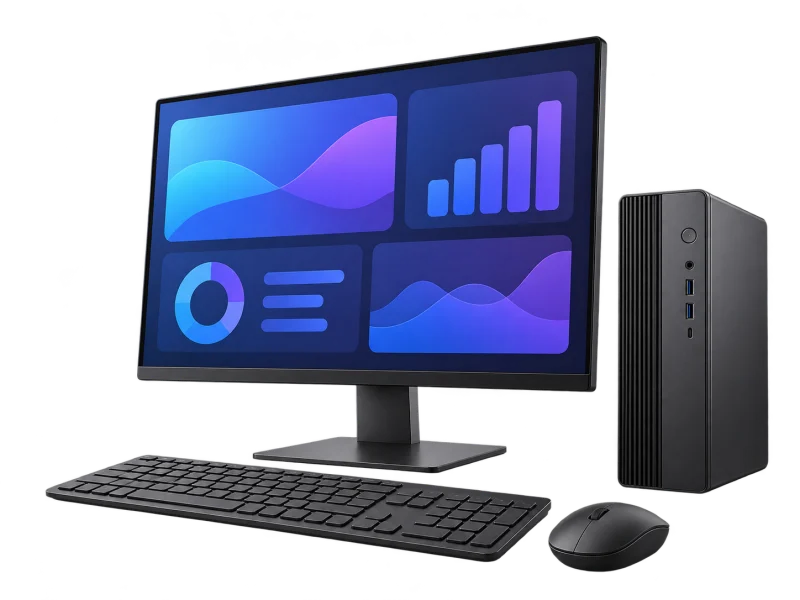
Desktop PCSized to the applications
01
Screens and peripheralsMonitors, keyboards, headsets
02
Wired networkLINK Cat6 to every desk
03
Print, update, back upBrother / Canon + IT policy
04
Prepare
Operating system, applications, accounts and policy settings are installed on the bench before anything reaches a user; every device is asset-tagged.
Scene, timing and readings are illustrative. Models, specifications, licences and the real procedure follow your requirements and IT policy.
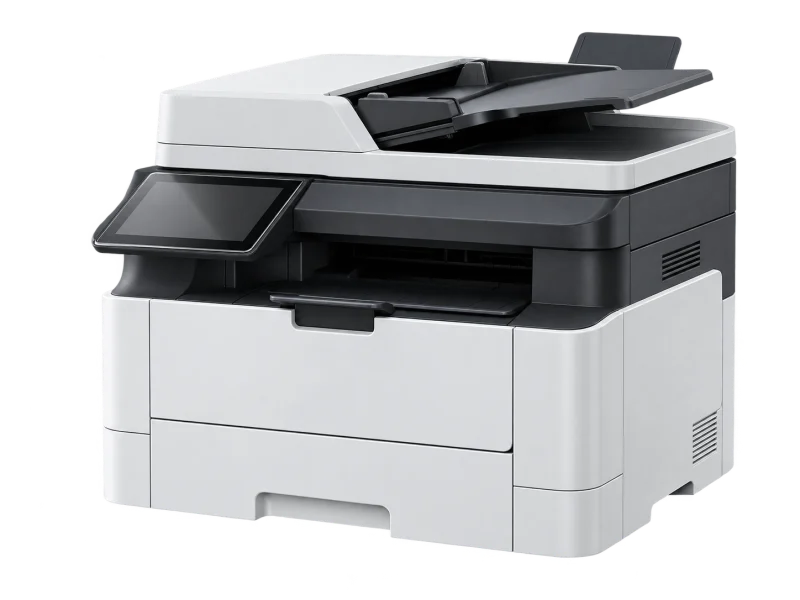
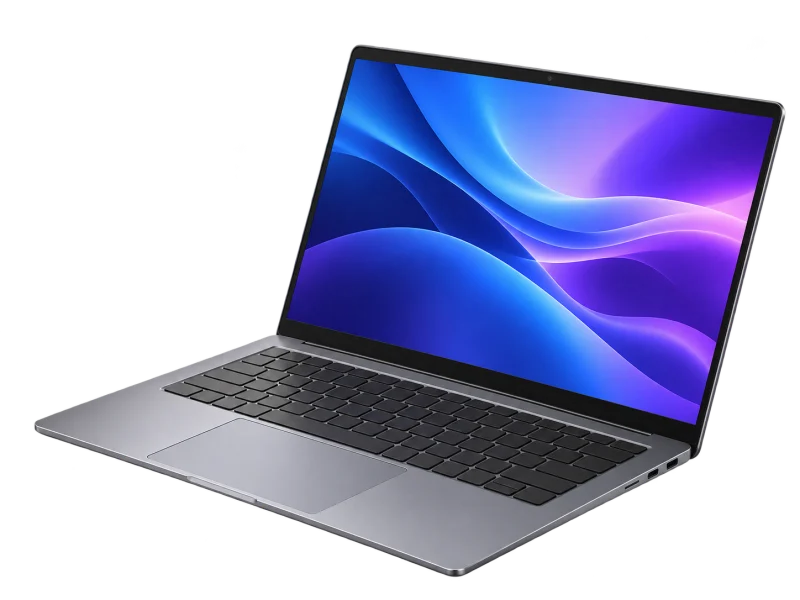
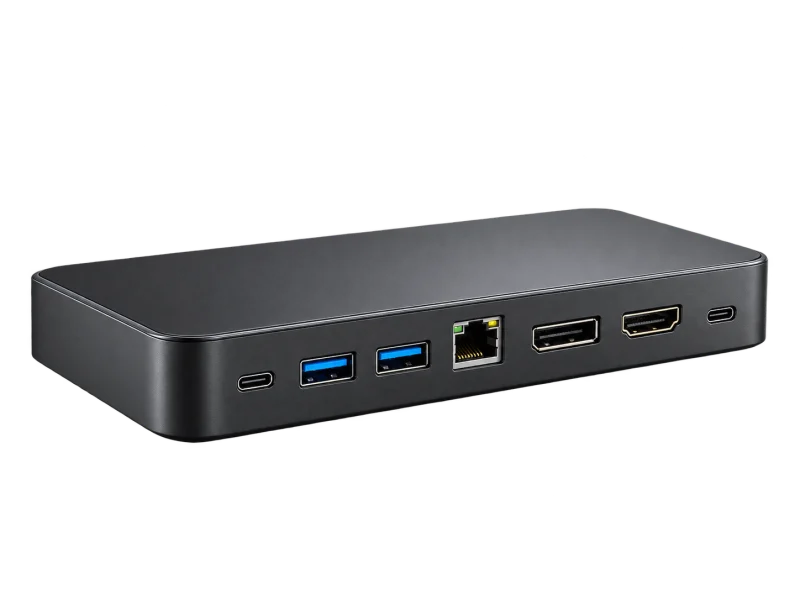
AI-generated equipment concepts, not photographs of specified models.
An operating concept, not an installation drawing. Devices, paths and interfaces are defined after the site survey.
Before you specify
List applications, software versions, licences, peripherals and demanding tasks to define specifications and check compatibility.
Check operating-system and application requirements, storage and expansion needs; minimum requirements are not a performance target.
Define which data to back up, its owner, backup destinations and the restore procedure before replacing devices or migrating.
Testing & handover
Agree tests using real applications and peripherals, review user access and perform a sample restore. Hand over asset, licence and support-scope records.
Equipment details, compatibility and scope must be confirmed for each project.
Manufacturer references
Microsoft — Windows 11 specifications and application requirements
Microsoft — backup, restore and recovery distinctions
Before you decide
Are operating-system minimum requirements enough?
Check actual applications, file sizes and simultaneous tasks too. Some applications need more resources than the operating-system minimum, so specify hardware around the workload.
Does recovery media replace a backup of work files?
Not necessarily. System recovery and file backup tools have different coverage. Check what is included and test restoring the work files that matter.
From survey to support
The same six stages on every project, so the system is ready on handover day.

 AI-generated setting
 AI-generated setting
 AI-generated setting
 AI-generated setting







 AI-generated concept