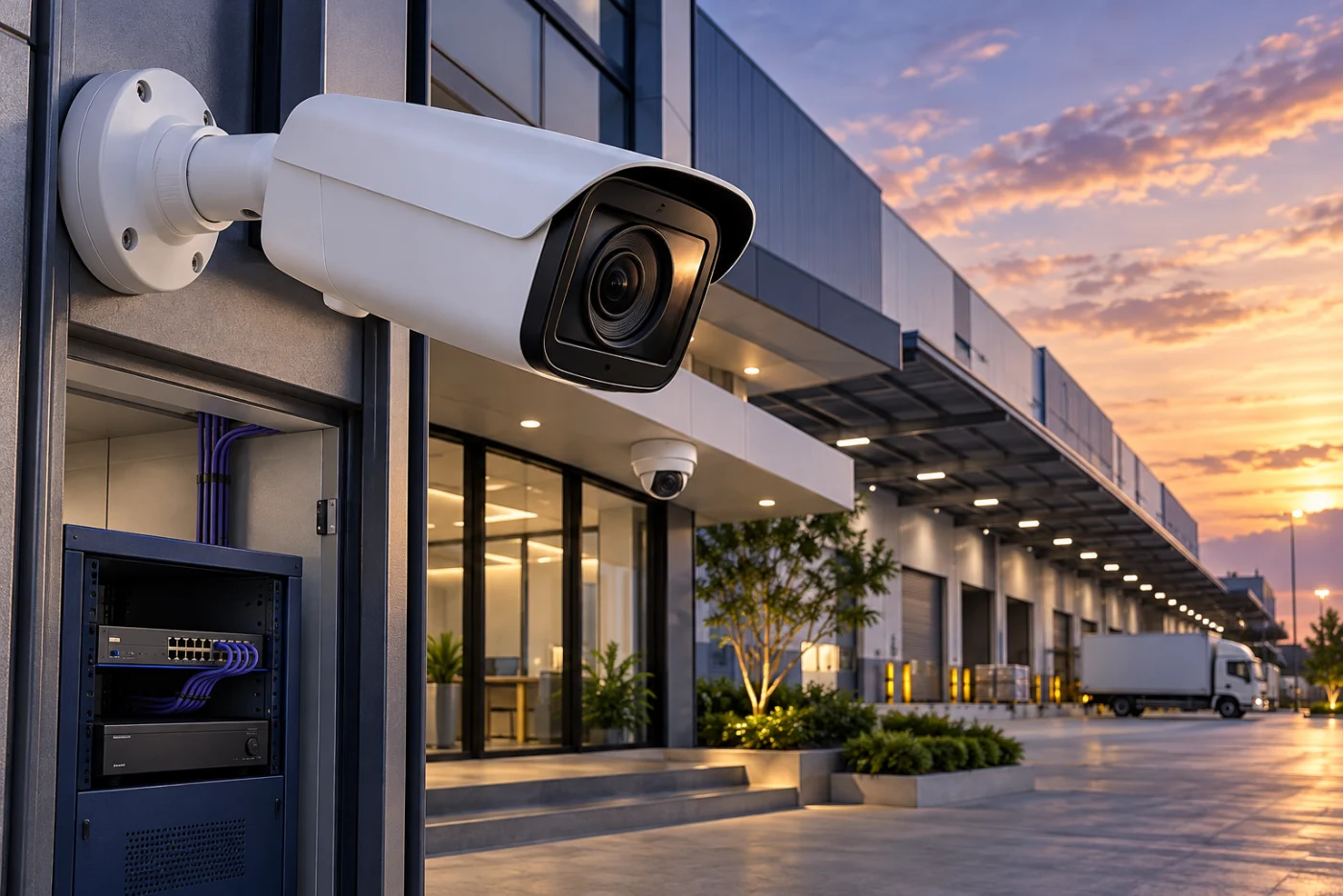
AI-generated concept illustrating a CCTV application
Two systems. Start with your site.
Reusing sound existing cabling, or building a new network? Start here to pair the cameras and recorder.
Analog HD
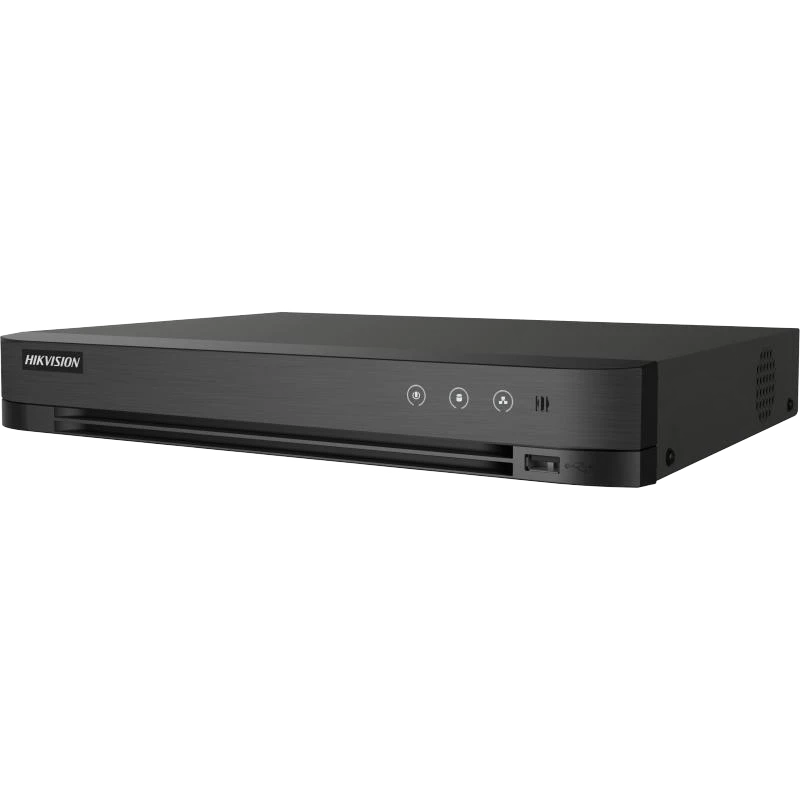
Hikvision Turbo HD + DVR
Analog HD cameraCapture at the scene
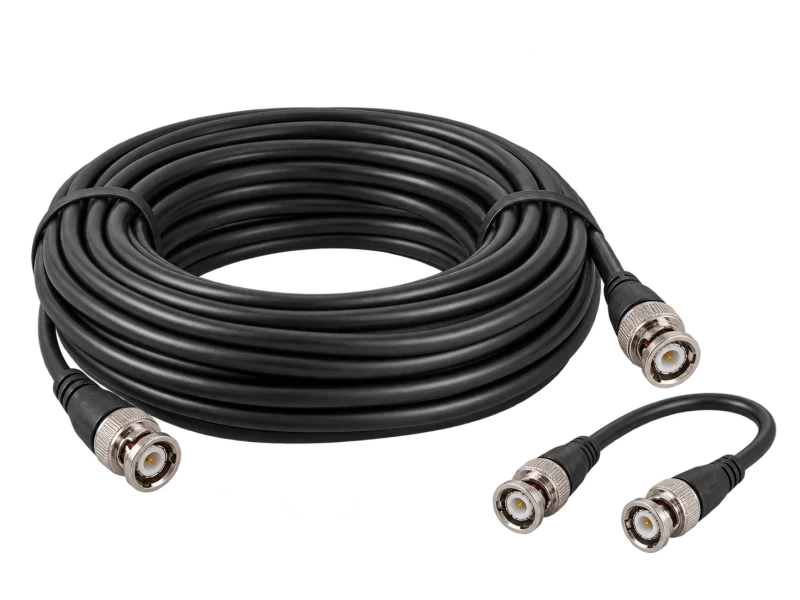
Coaxial / BNCVideo signal to DVR
DVR + HDDEncode and record
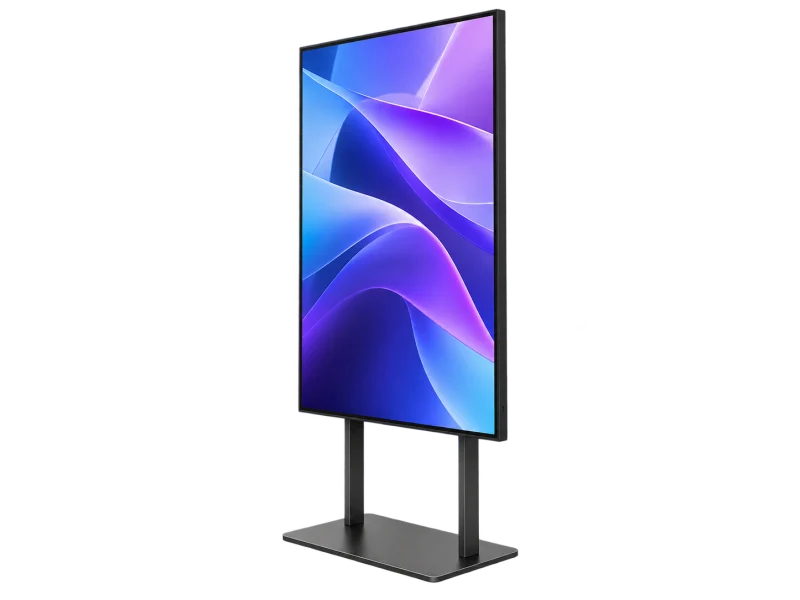
Monitor / playbackView recorder output
Plan separate camera power. PoC requires compatible cameras and DVR.
Consider when
Existing coaxial cabling can support a staged camera or recorder upgrade.
Check the match
Supported HD-TVI / AHD / CVI / CVBS formats, resolution, frame rate, cable and connectors.
IP / Network
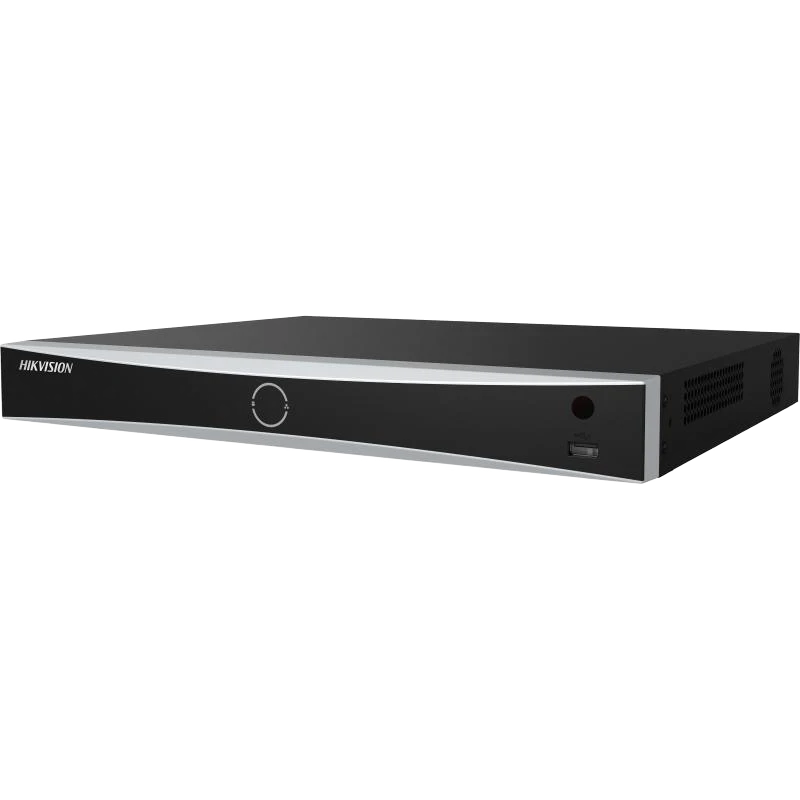
Hikvision IP + NVR
IP cameraNetwork video stream
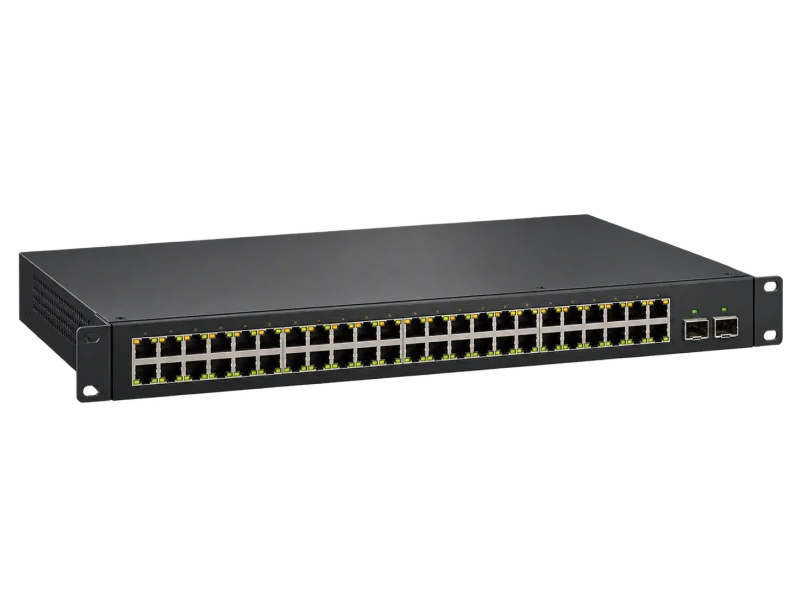
LINK Cat6 + PoECompatible switch or NVR ports
NVR + HDDReceive and record
Monitor / playbackControlled user access
PoE carries data and power on one cable when both ends support it.
Consider when
Building a new installation, expanding over a network or coordinating multiple areas.
Check the match
Bandwidth, recording/analytics channels, PoE power and jointly supported camera/NVR features.
AI-generated equipment concepts, not photographs of specified models.
Both systems can support remote viewing through compatible recorders and networking. Plan user accounts, updates and appropriate connectivity from the start.
Hikvision, from capture to playback
We coordinate cameras, recorders, cabling and operation as one system. Select the capabilities you need and test them before handover.
01IP camera
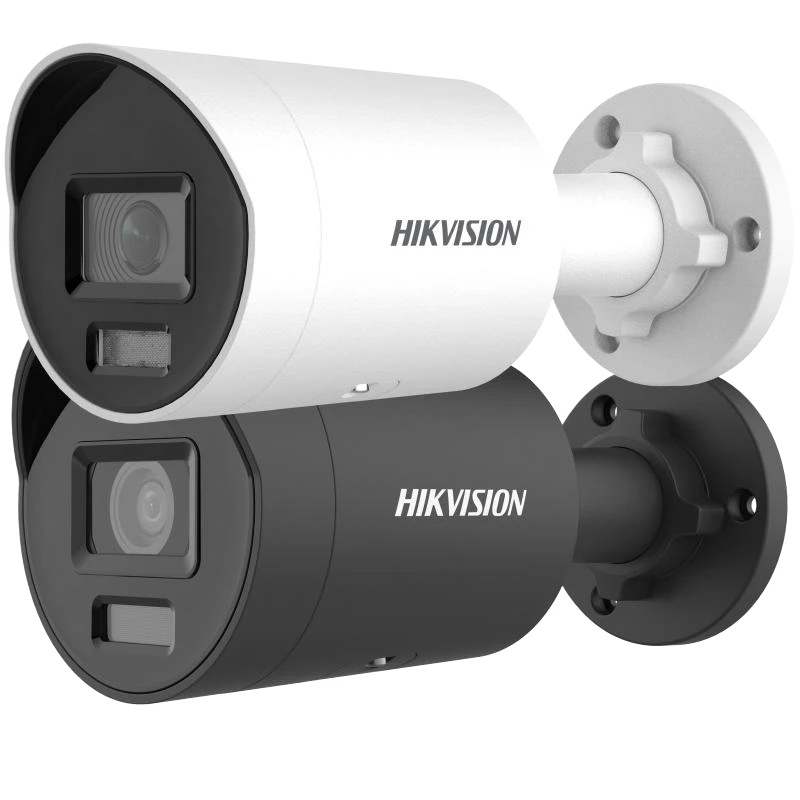
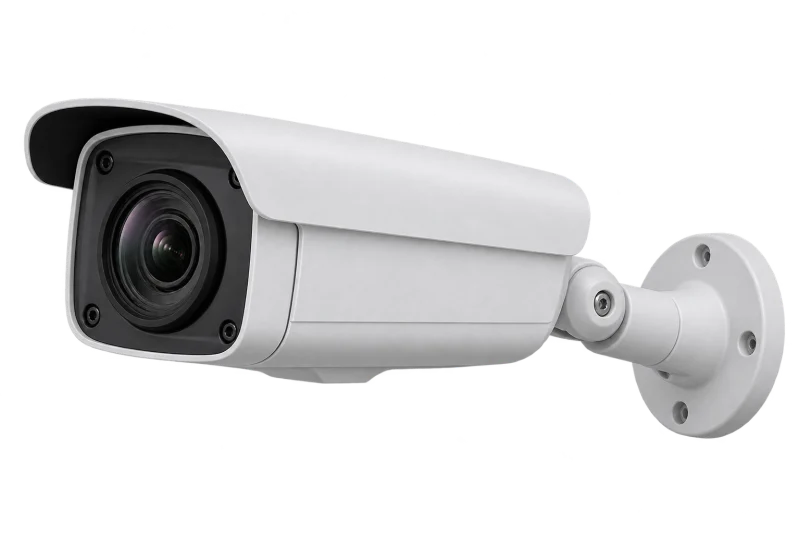
Bullet: a defined direction
A directional form for entrances, boundaries and corridors. Choose the lens for the target detail, as well as the width of the scene.
02IP camera
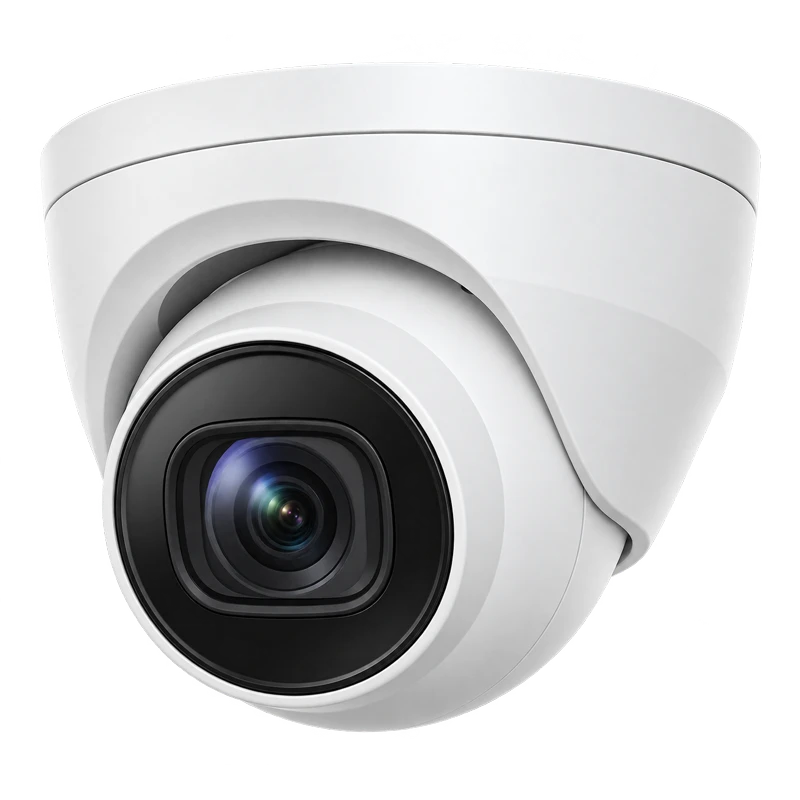
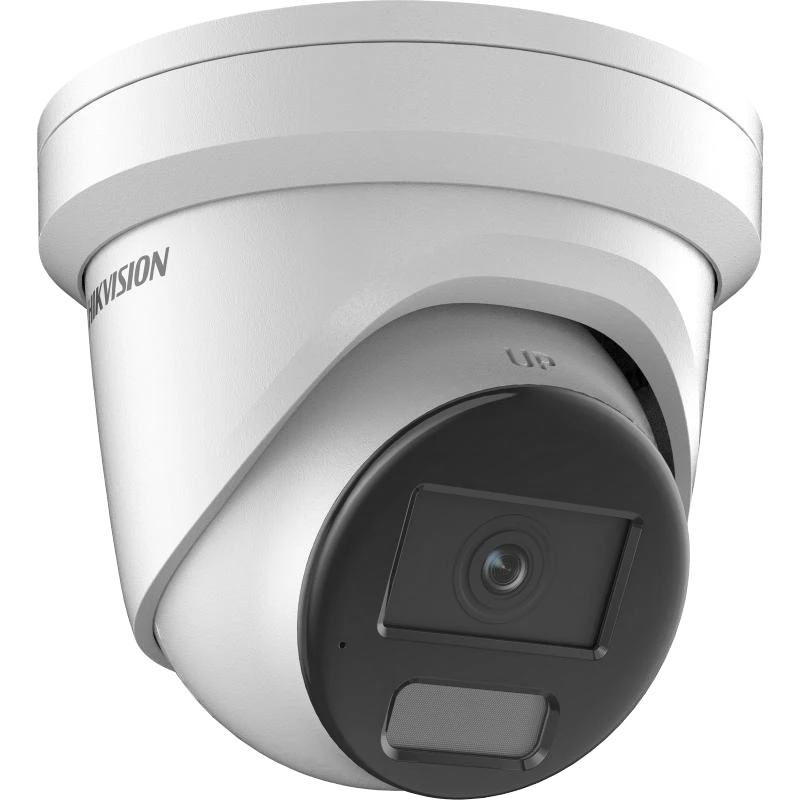
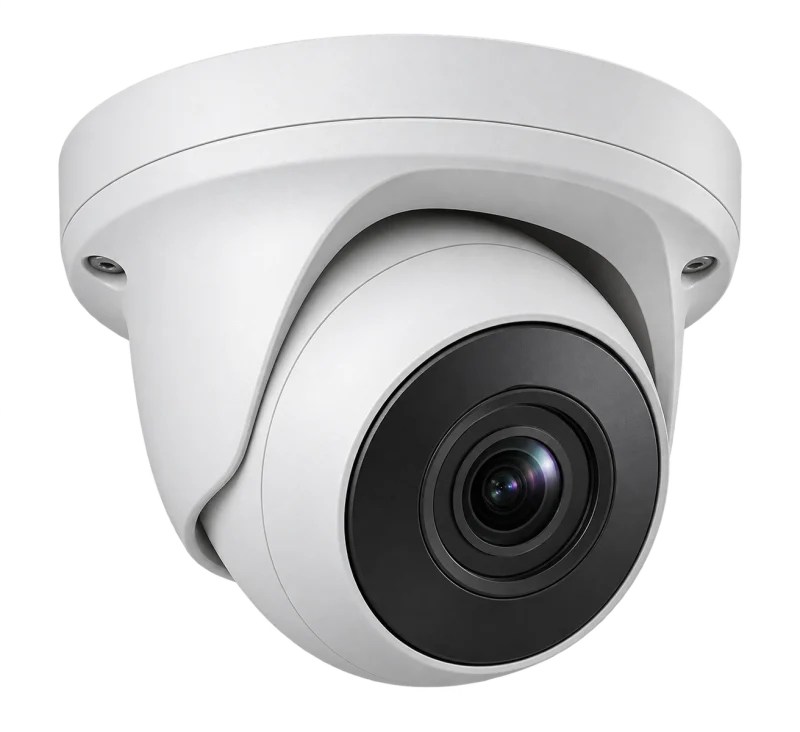
Turret: position the view
An adjustable ball-shaped head for ceiling or wall placement in shops and offices. Assess backlight and mounting height together with lens choice.
03Turbo HD · DVR
DVR: build on coaxial cabling
Receives supported analog HD camera signals, encodes and stores footage. A route for upgrading an existing installation after checking signal formats, resolution and cable condition.
04IP · NVR
NVR: bring network cameras together
Records and retrieves video received over the network. Match channels, incoming bandwidth, decoding and HDD capacity to the project. Built-in PoE is model-specific.
Equipment images illustrate product types. Models, lenses, capabilities and delivery terms are specified in your site proposal.
Choose the form for the view
Form helps placement. Image detail depends on the lens, light, distance and selected model.
Bullet
Entrances, boundaries, corridors
Match lens and view to target distance
Turret
Retail, offices, ceiling locations
Position the view and manage reflections
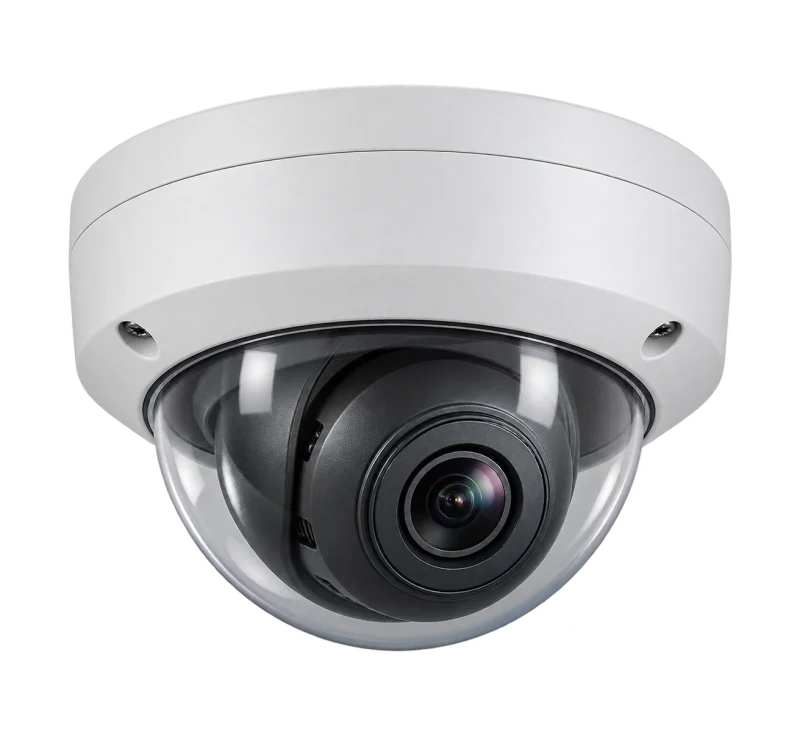
Dome
Shared areas needing a discreet form
Check the model’s IK rating where impact resistance matters
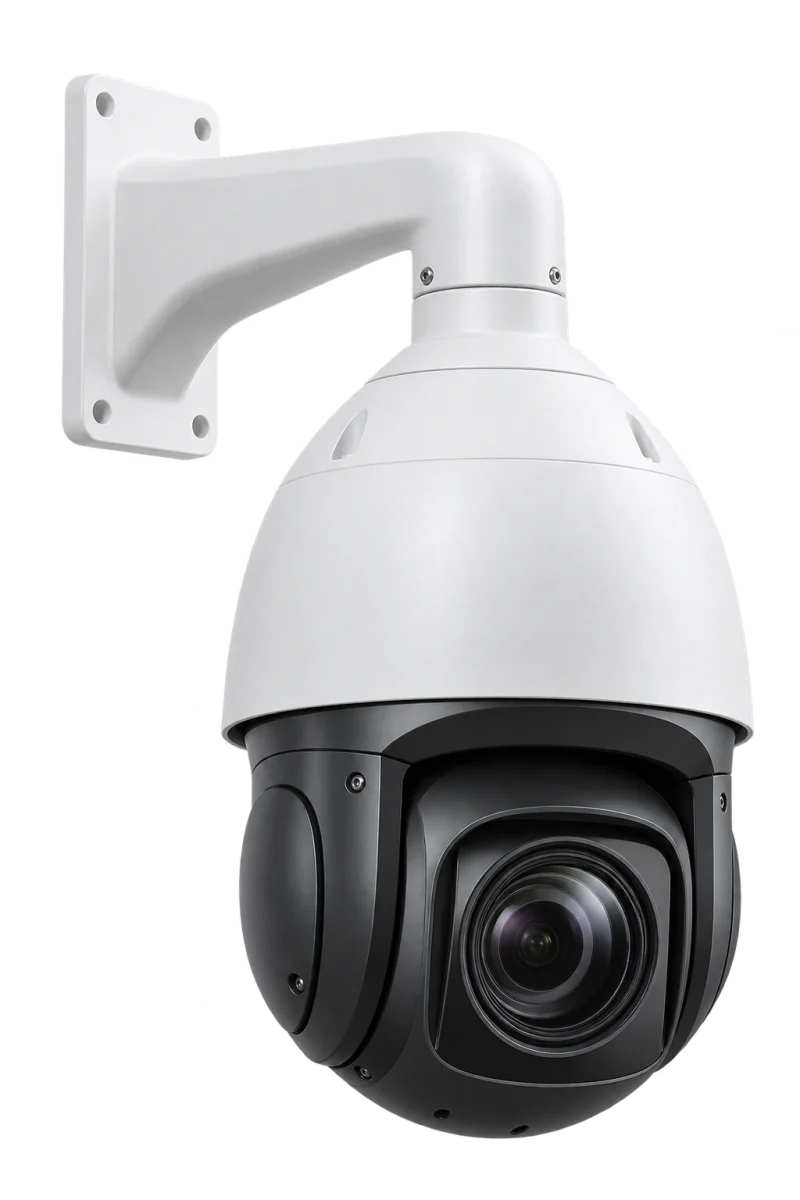
PTZ
Open areas or operator-directed viewing
Pan, tilt and zoom depend on model; one view at a time
AI-generated illustrations of camera forms, not photographs of specific product models.
Technology that makes footage useful
ColorVu / Smart Hybrid Light
Assess low-light colour imaging and model-specific IR/white-light modes. Test with moving targets in the actual night scene.
AcuSense
Supported models classify people and vehicles to filter events. Match camera, recorder and firmware capabilities.
Recording that fits the task
Set retention, bitrate, frame rate and continuous or event recording before sizing HDDs. Test search and export at handover.
Three brands. Choose for your operation.
Hikvision is the focus here. Dahua and TP-Link VIGI offer alternatives to assess against your existing equipment and workflow.
Customer favorite
Hikvision
Customers to consider it for
Offices, factories, warehouses or coordinated sites
Why compare it
DPI focuses on Hikvision designs, from Turbo HD / IP cameras to DVRs / NVRs, coordinating recording and events within the selected system.
Before choosing
Choose ColorVu or AcuSense for the actual scene; confirm models, analytics channels and management software.
Dahua
Customers to consider it for
Existing Dahua users, or projects comparing HDCVI and IP
Why compare it
Offers HDCVI and network cameras, including WizSense. Consider when assessing an existing system or comparing video analytics requirements.
Before choosing
Check recorder models, signal formats and supported AI combinations before an upgrade.
TP-Link VIGI
Customers to consider it for
Shops, offices and businesses starting an IP system with VIGI
Why compare it
VIGI offers IP cameras and NVRs, including PoE models. Assess for projects planning the site network and surveillance together.
Before choosing
Check models, hardware versions, central management and any required cross-brand features.
Customer fit is DPI design guidance, rather than a quality or price ranking. Compare day/night samples, event search, software and lifecycle costs, and verify interoperability by model.
LINK American StandardThe cabling DPI specifies for its systems
Reliable video starts with the right cable
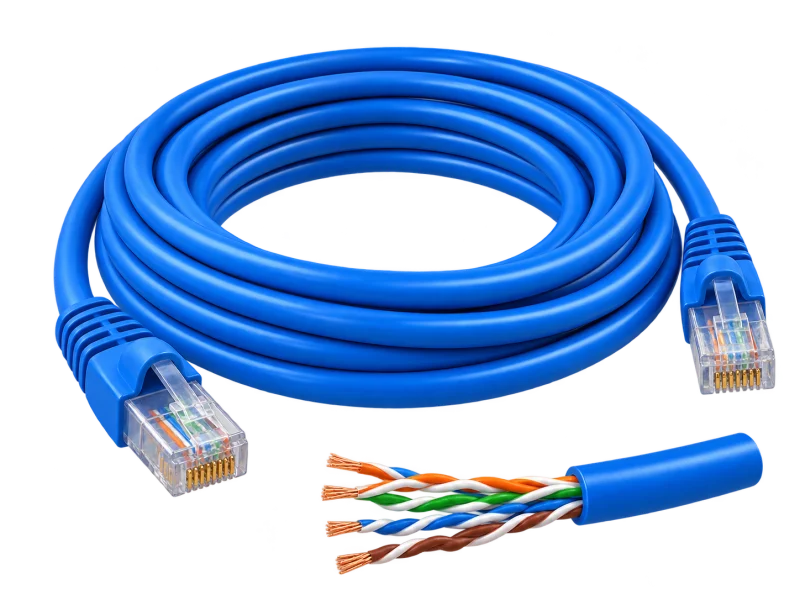
DPI specifies LINK cabling as part of CCTV design, matching the cable model, equipment and acceptance tests to each mounting point.
Indoor IP cameras, and links between switches and the NVR.
US-9106OUTOutdoorCat6 UTP outdoorPE double jacket · 23 AWG · black
Outdoor cameras on walls, poles and perimeters.
US-9106PWOutdoorCat6 UTP outdoor + power wirePE jacket · power wire built in · black
Outdoor points that need power alongside data, such as cameras not powered by PoE.
US-9138EFLiftsCat6 elevator extra-flexExtra-flexible construction · black
Cameras in lift cars, where the cable travels with the car; routed with the lift contractor.
Conductor and environment
Specify solid copper and a jacket suited to indoor/outdoor exposure and building requirements. The LSZH example is an indoor cable.
Reach and PoE power
For conventional Ethernet, plan channels up to 100 m including patch cords, with application derating. Check per-port and total switch power.
Test the installed link
Agree cable-test criteria and reporting, then check simultaneous streams, night footage, playback and alerts on the installed system.
Model names and constructions are from LINK’s product list. Cable standards support the design; end-to-end performance is confirmed through the selected equipment, terminations, routing and project acceptance tests.
An outage is exactly when footage matters most. Without backup power, cameras and the recorder stop at once, and a sudden cut puts the recorder’s disks and video database at risk.
The UPS brand DPI supplies and installs
Power cut
UPS takes over
Recording carries on through an outage
What the UPS keeps running
NVR / DVR
PoE switch
IP cameras (via PoE)
Monitoring screen
IP cameras draw power from the PoE switch, so the switch goes on the UPS too. Size the runtime for how long recording must continue during an outage.
One team from survey, design and supply to installation, testing and after-sales support.
01
Authorized distributor and certified partner
Equipment sourced through authorized channels, with model advice and the manufacturer’s warranty terms.
02
Designed from a site survey
We check angles, distance, day and night light and retention before choosing models and camera count.
03
The whole system, not just devices
Cameras, recorders, LINK cabling, PoE switching and links to door access or parking, designed as one.
04
Honest brand advice
Hikvision-led, with Dahua or TP-Link VIGI compared when they suit your existing system or budget.
05
Tested before handover
Day and night footage, search and export, user accounts, and documents for your team.
06
Ongoing support nationwide
A Pathum Thani team providing maintenance and technical support across Thailand.
Book a site surveyModels, terms and warranty are specified in each project quotation.
From live images to event review
Camera images travel through the network to recording and authorized review.
PersonFace
CAM 01 · Warehouse entranceREC 10:02:14
AI: people · faces · vehicles
IP + PoE: one cable carries data and power; AI runs on a supported camera or NVR
IP camera + AICaptures and analyses (supported models)
01
PoE switchLINK Cat6 · data + PoE power
02
NVRRecords + tags events
03
Monitor / phoneLive view and smart search
04
Capture and detect
A person walks into view. Supported AI models classify people and vehicles, capture faces and flag a virtual-line crossing, so alerts come from real events.
AI-generated equipment concepts, not photographs of specified models.
Scene, timing and event labels are illustrative, not a live feed or installation drawing. Person, vehicle, face and line-crossing detection depend on the camera or recorder model, firmware and settings; real results depend on angle, light and distance.
An operating concept, not an installation drawing. Devices, paths and interfaces are defined after the site survey.
Before you decide
How much recording storage will we need?
Agree the retention target first, then calculate capacity from camera count, video settings and recording schedules. Drive size alone does not determine the recording period.
Can cameras work with another recorder brand?
Check the exact models, firmware, connection method and required functions. Live view, recording and event features may have different compatibility limits.
From survey to support
The same six stages on every project, so the system is ready on handover day.




 AI-generated concept