Double P Intelligent Product Co., Ltd. logoDPI GROUP
Contact us

Two setups. Start with how content is managed.

Occasional updates at the screen, or many screens scheduled from one place?

Standalone display

Built-in player or USB
  1. Create contentImages, video and text
  2. Player / USBLoad content at the screen
  3. DisplayPlays the set sequence
  4. Manual updatesChange content on site

Suits a few screens with infrequent changes.

Consider when
A single shop, a menu board or one information screen.
Check the match
Brightness, permitted orientation, operating hours and inputs of the model.

Networked signage (CMS)

Samsung VXT or the selected CMS
  1. Content managementUpload, approve and schedule
  2. NetworkDelivers content to every screen
  3. Displays and playersPlay to the schedule
  4. Remote monitoringScreen status in one place

CMS features and licences depend on the display model and plan; they are not always included with the screen.

Consider when
Multiple branches or screens, or content scheduled by time of day.
Check the match
Content owners, approval steps, network access and software licences.

AI-generated equipment concepts, not photographs of specified models.

Figures for one model do not apply to every display; check the selected model.

Display equipment

Displays, players and mounts chosen for viewing distance, ambient light and daily hours.

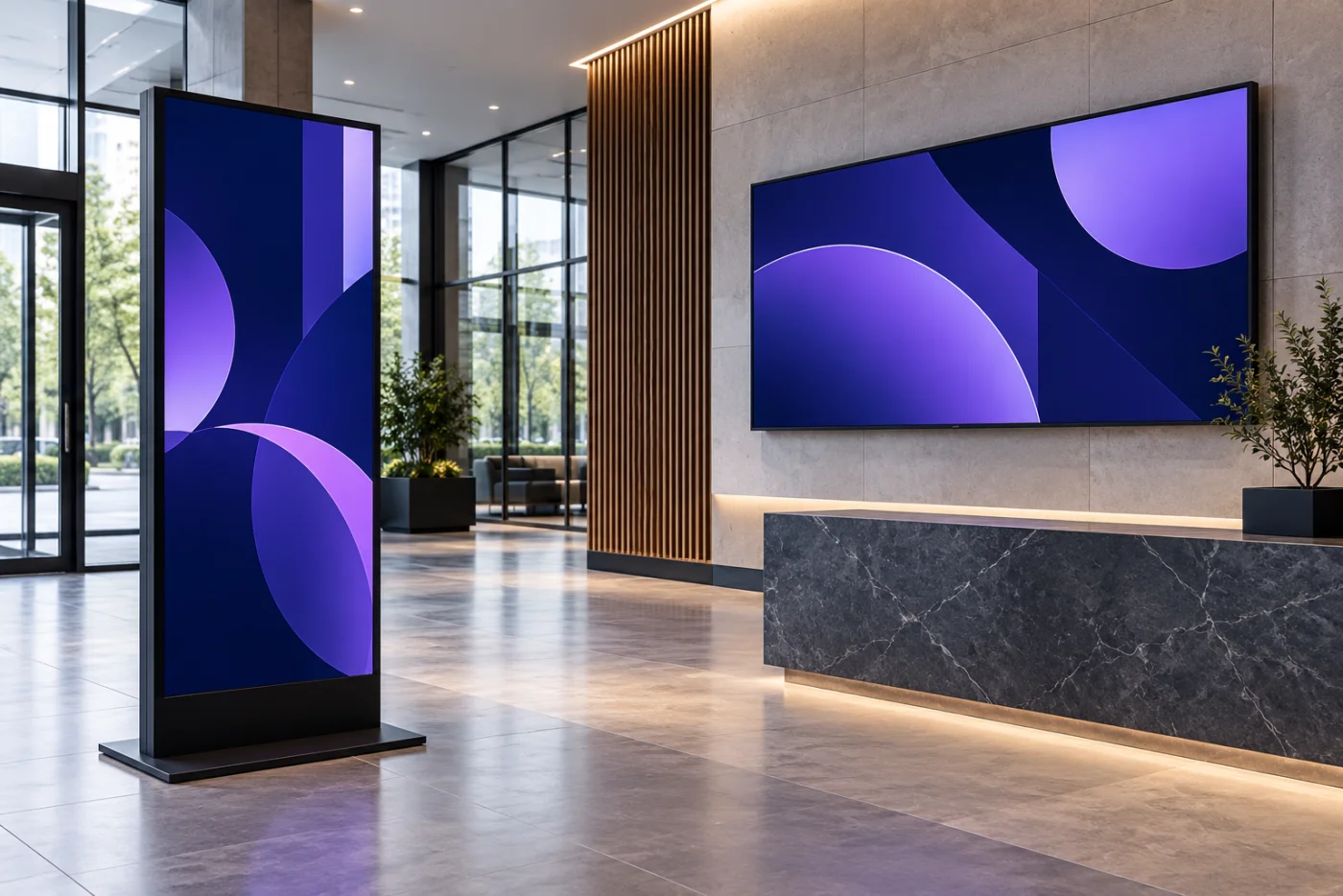
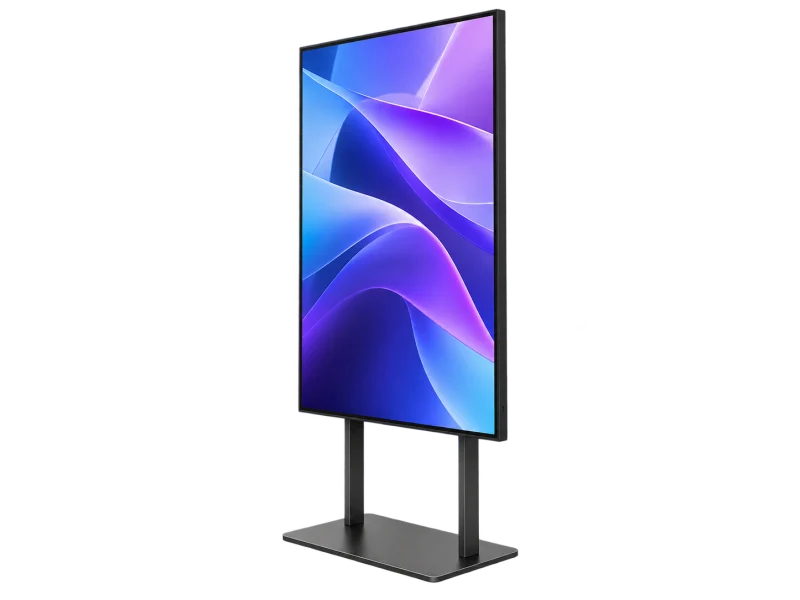
Commercial display — concept illustrationAI-generated concept
Commercial displays

Displays built for long hours

Example Samsung QMC: brightness, orientation, operating hours and inputs differ by model.

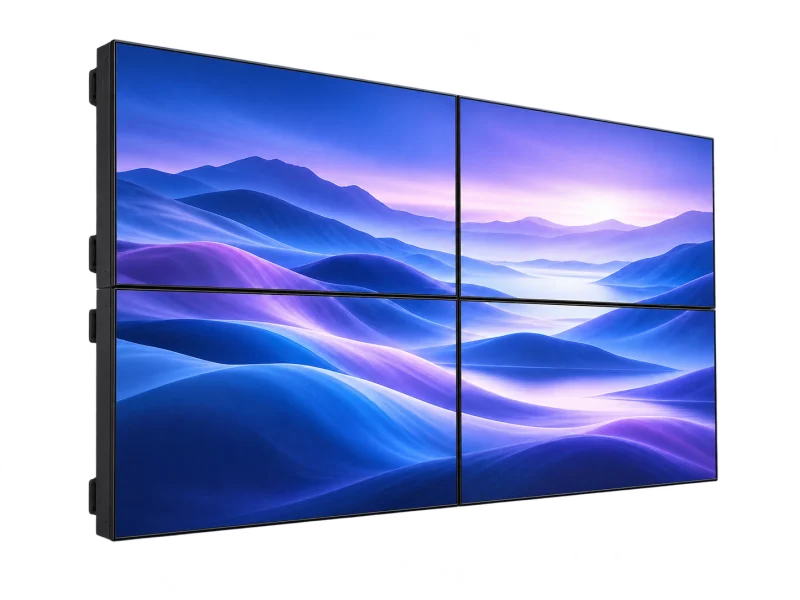
Four-panel video wall — concept illustrationAI-generated concept
Video walls

Video walls and large formats

For lobbies and control rooms, with structure, ventilation and controllers planned.

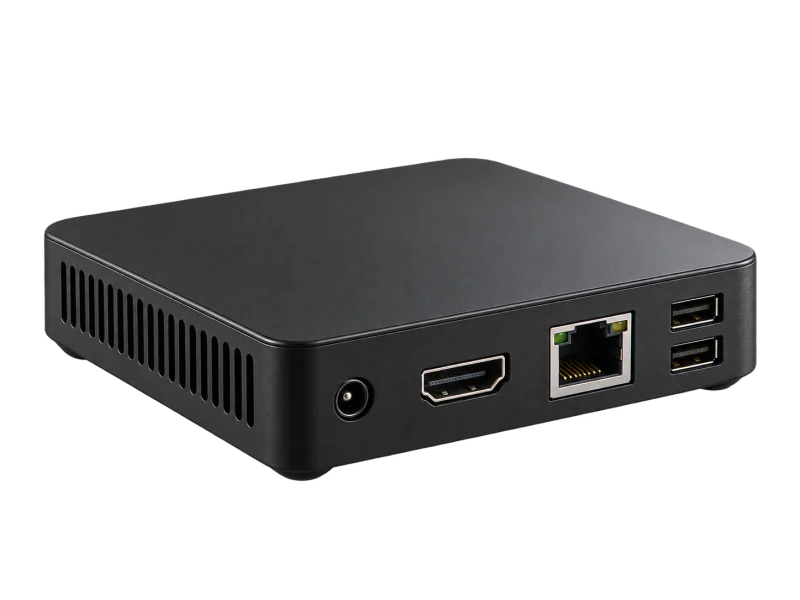
Digital signage media player — concept illustrationAI-generated concept
Media players

Built-in or external players

Chosen for the content format and management system.

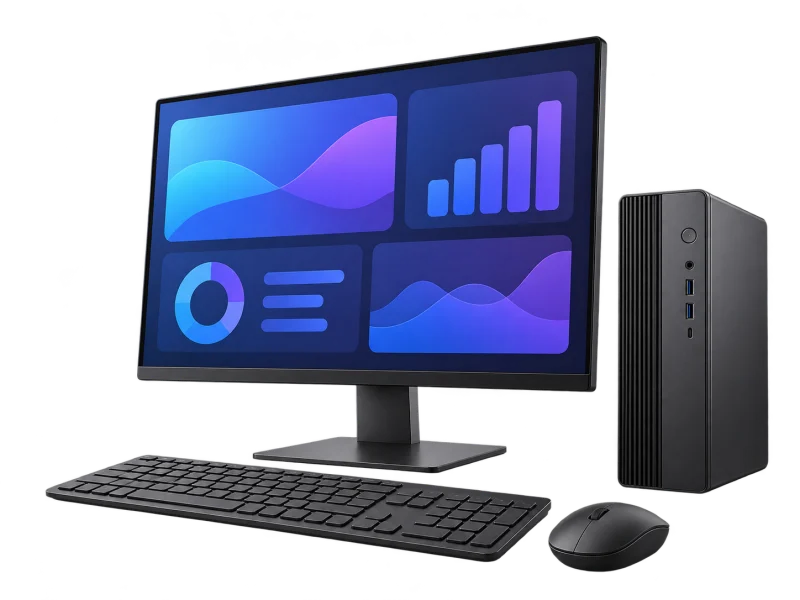
Desktop workstation with an illustrative dashboard — concept illustrationAI-generated concept
Software

Content management (CMS)

Samsung VXT offers remote-management plans and lists compatible hardware; features depend on the model.

Regional plans and pricing are confirmed before quotation.

Choose for the location

Each location needs different brightness, size and orientation.

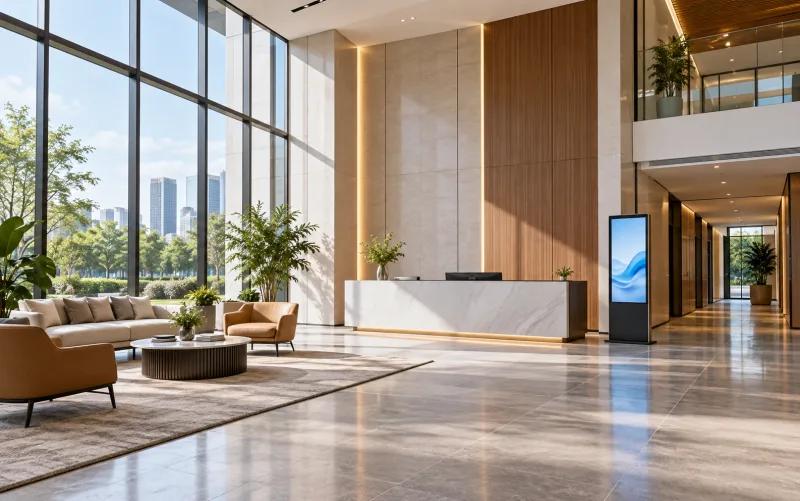
Double-height office reception lobby — illustrative settingAI-generated setting

Lobbies and reception

Company news and visitor welcome

Screen size for the viewing distance
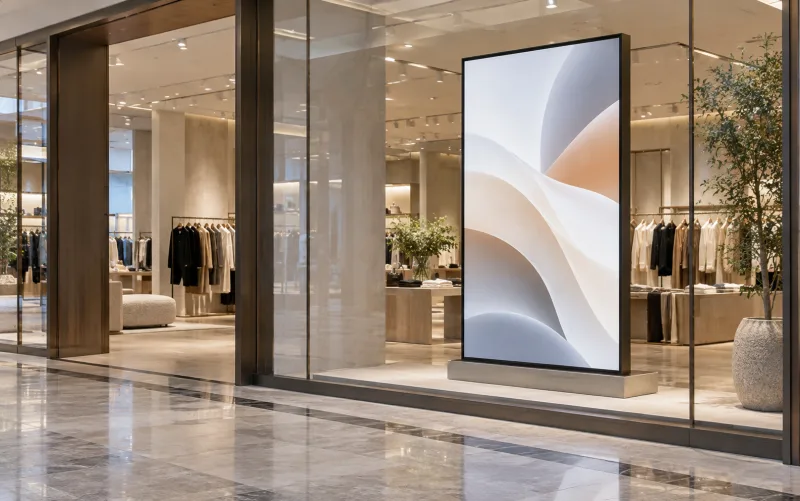
Shop window with a digital display — illustrative settingAI-generated setting

Shop windows

Promotions seen from outside

Brightness high enough for daylight
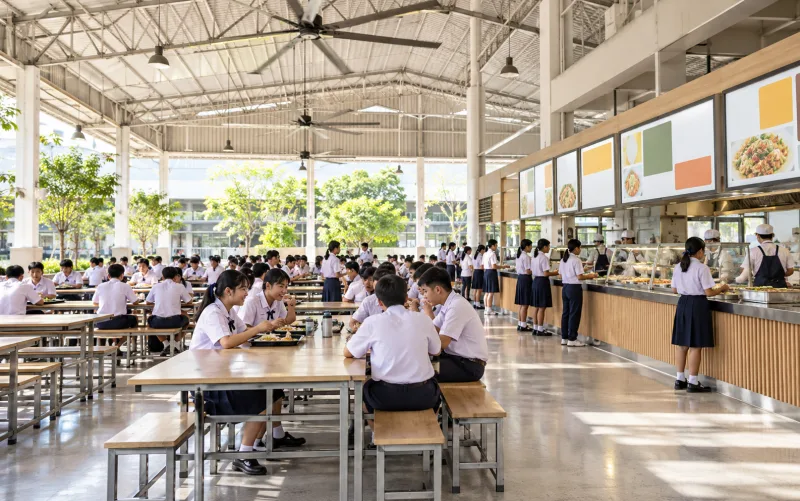
High-roof canteen and serving counter — illustrative settingAI-generated setting

Canteens and menus

Menus and prices by time of day

Automatic content scheduling
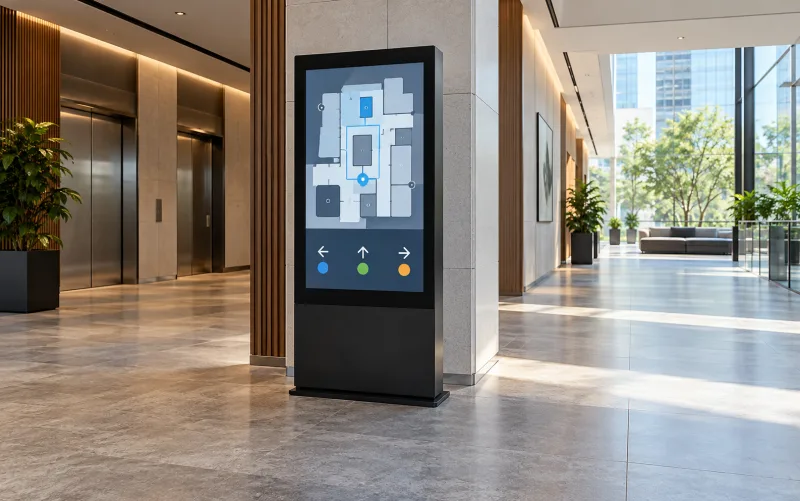
Corridor junction with wayfinding display — illustrative settingAI-generated setting

Wayfinding

Corridors and junctions

Portrait or landscape as the model permits

What makes screens readable and manageable

Brightness and operating hours

Brightness matched to ambient light, and a model rated for your daily hours.

Orientation and mounting

Portrait or landscape, mounts and ventilation checked against the model’s requirements.

Scheduling and approval

Content owners, approvals and schedules agreed before launch.

Three brands. Choose for the use.

Samsung leads for commercial displays; Hikvision and Panasonic are options by system and space.

Hikvision

Best for
Sites already standardised on Hikvision
Why choose it
The same manufacturer as the existing security system
Before choosing
Confirm display model and shared software

Panasonic

Best for
Meeting rooms, training rooms and projection
Why choose it
Professional displays and projectors
Before choosing
Brightness and throw distance for the room

This is DPI design guidance, not a quality or price ranking.

LINK American StandardThe cabling DPI specifies for its systems

Reliable screens start with the right cable

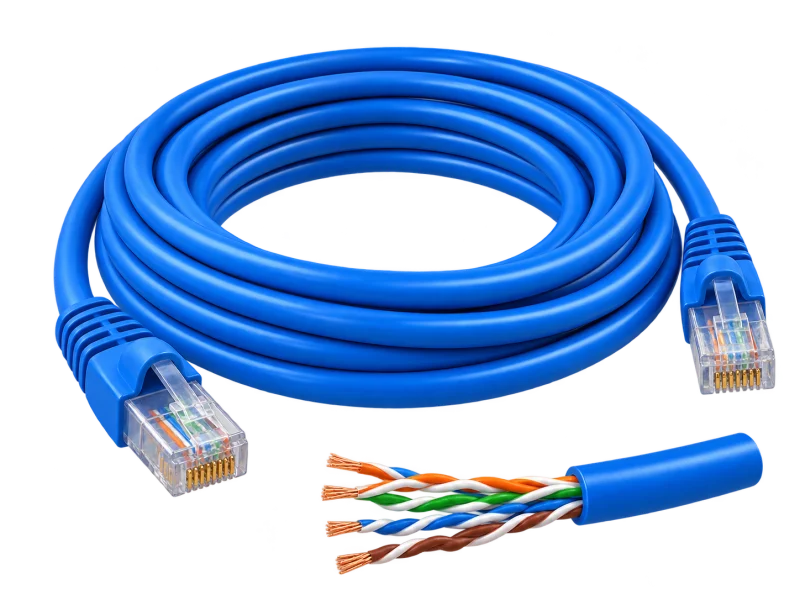
Networked screens run on LINK cabling to every location; DPI plans routes, power and testing before mounting.

  • US-9106LSZHIndoorCat6 UTP · LSZH250 MHz · 23 AWG · cross filler · ANSI/TIA-568.2-D Category 6

    Media players and networked displays in lobbies, cafés and meeting areas.

  • US-9106OUTOutdoorCat6 UTP outdoorPE double jacket · 23 AWG · black

    Outdoor and semi-outdoor displays, kiosks and LED screens.

  • US-9138EFLiftsCat6 elevator extra-flexExtra-flexible construction · black

    Screens inside lift cars, where the cable travels with the car; routed with the lift contractor.

Outlets behind screens

Network and power points hidden neatly behind each screen.

Power for displays

Check power and circuits for large screens or video walls.

Test a real playlist

Test real content from the audience’s positions before handover.

Model names and constructions are from LINK’s product list. Cable standards support the design; end-to-end performance is confirmed through the selected equipment, terminations, routing and project acceptance tests.

Explore cabling and acceptance testing

Why buy your digital signage from DPI

One team from survey, design and supply to installation, testing and after-sales support.

Authorized distributor and certified partner

Equipment sourced through authorized channels, with model advice and the manufacturer’s warranty terms.

Designed from a site survey

Viewing distance, ambient light and daily hours are measured before choosing size and brightness.

The whole system, not just devices

Displays, players, mounts, power, network and content software planned together.

Honest brand advice

Samsung when you want its VXT ecosystem; alternatives when they suit the site.

Tested before handover

A real playlist tested from viewing positions, with schedules and remote access set up.

Ongoing support nationwide

A Pathum Thani team providing maintenance and technical support across Thailand.

From one content plan to every screen

Define content, schedules and screen groups before publishing to the display locations.

Updating content on three screensMarketing builds a new playlist, then sends it to the lobby, café and lift-lobby screens — all at once through a CMS, or on USB screen by screen.Marketing deskLobbyCaféLift lobby
Office building · ground floor11:16:30
Create content
Standalone: content is loaded at each screen by USB or the built-in player
Create contentImages, video and text
01
Player / USBLoad content at the screen
02
DisplayPlays the set sequence
03
Manual updatesChange content on site
04

Create content

Marketing assembles images, video and text into a playlist sized and oriented for each screen.

Scene, timing and content are illustrative. Scheduling, sync and status monitoring depend on the chosen display, player and CMS.

AI-generated equipment concepts, not photographs of specified models.

An operating concept, not an installation drawing. Devices, paths and interfaces are defined after the site survey.

Before you specify

  • Define viewing distance, lighting, operating hours and orientation, then check the selected display’s specifications.
  • Check the mounting surface, ventilation, power and maintenance access against the exact model’s installation manual.
  • Define content authors and approvers, playback schedules, network access and required software licences.

Testing & handover

Test a real playlist, schedules and agreed remote-management functions. Check readability from viewing positions and hand over administrator and software-entitlement records.

Equipment details, compatibility and scope must be confirmed for each project.

Manufacturer references
  • Samsung — QMC display selection specifications
  • Samsung VXT — plans and compatible hardware

Before you decide

Can every display run continuously or be mounted vertically?

No. Operating hours, permitted orientation and ventilation conditions depend on the model. Check the documentation for the proposed display.

Is content-management software included with the display?

Check the offer, display, player and software plan. Some functions require additional licences or have model and regional limitations.

From survey to support

The same six stages on every project, so the system is ready on handover day.

  1. 01

    Consultation

    Understand your goals and requirements

  2. 02

    Site survey

    Assess the site and installation conditions

  3. 03

    System design

    Plan the right solution for your operation

  4. 04

    Installation

    Install equipment and integrate systems

  5. 05

    Testing & handover

    Verify performance and train your team

  6. 06

    Maintenance & support

    Maintain equipment and provide technical support

Start with your site

Tell us about your space, the systems you need and what you want to improve.

Discuss your project