Double P Intelligent Product Co., Ltd. logoDPI GROUP
Contact us

Two audio systems. Start with the space.

Conventional paging and background music, or network audio with schedules and zones managed in software?

Conventional PA

Amplifiers + zoned speakers
  1. Microphone / musicPaging and background music
  2. Mixer / amplifierAmplifies and selects zones
  3. Speaker linesFrom amplifier to each zone
  4. SpeakersCeiling, wall or horn

General PA is not automatically a voice-evacuation system; that needs a separate assessment.

Consider when
Buildings that need straightforward paging and background music.
Check the match
Amplifier loading, speakers per zone and cable runs.

Network (IP) audio

Hikvision IP audio
  1. Management softwareSchedules and zones
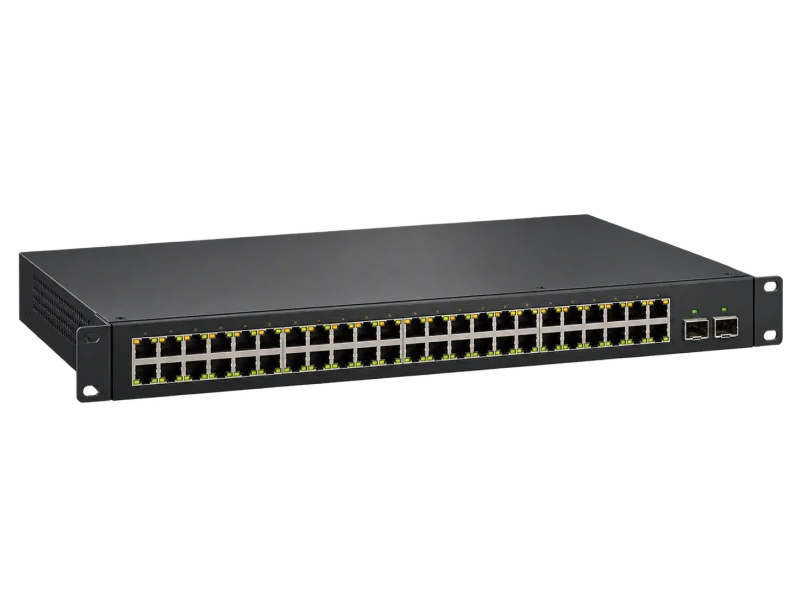
  2. Network switchAudio over the LAN
  3. Network speakersEach speaker addressable
  4. Paging consoleLive or recorded messages

Shares the network with cameras and other systems, so VLANs and power are planned together.

Consider when
Multiple buildings or zones, or a link to the security system.
Check the match
The selected models’ capabilities, protocol and speaker power.

AI-generated equipment concepts, not photographs of specified models.

The right volume depends on the real space’s background noise and reflective surfaces.

Audio equipment

Speakers and amplifiers chosen for the listening area, noise and paging pattern.

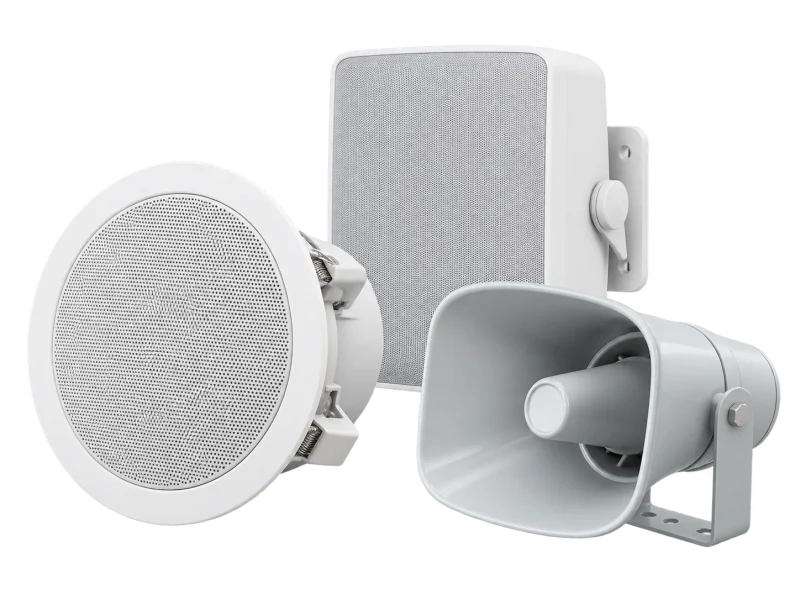
Ceiling, wall and horn loudspeakers — concept illustrationAI-generated concept
Speakers

Ceiling, wall and horn speakers

Ceiling speakers for offices, wall units for halls and horns for loud or outdoor areas.

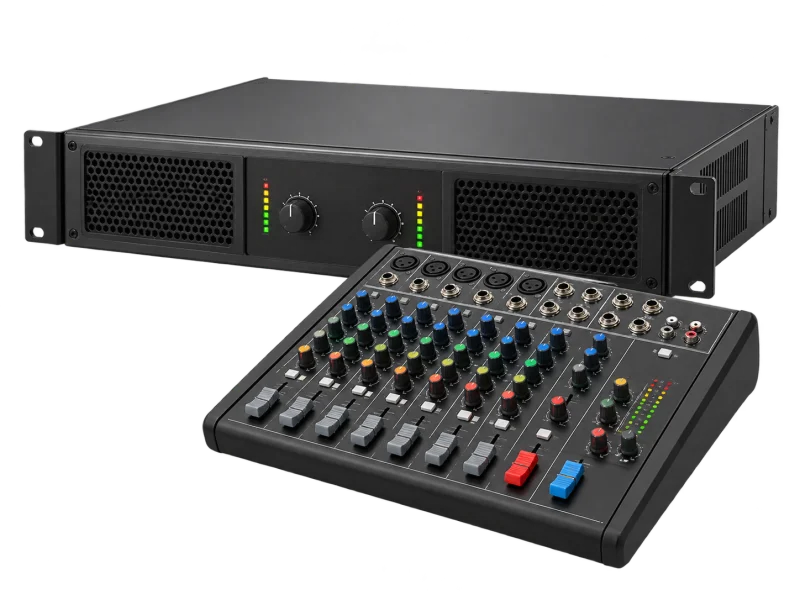
Audio amplifier and mixer — concept illustrationAI-generated concept
Amplifiers

Amplifiers and mixers

Power and zone count matched to every speaker, with room to expand.

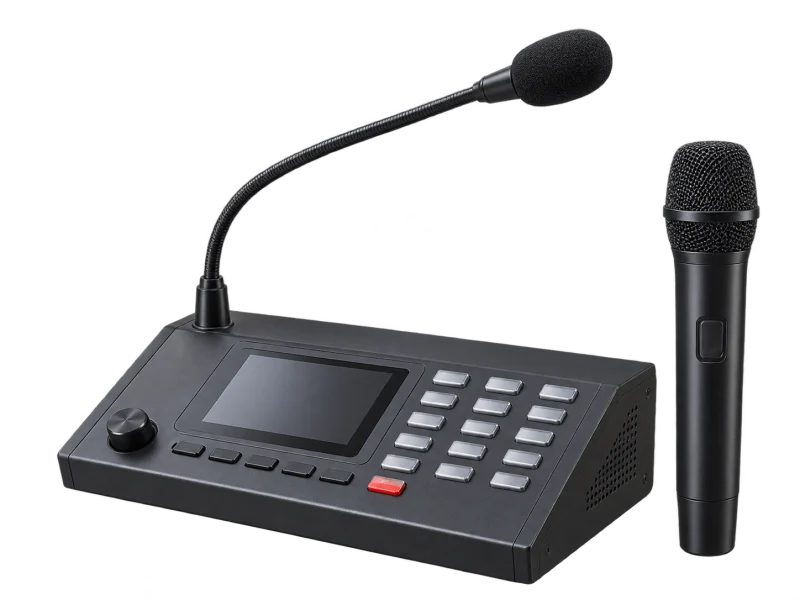
Paging console and microphones — concept illustrationAI-generated concept
Paging

Microphones and paging consoles

Page all zones or selected zones, with priority for urgent messages.

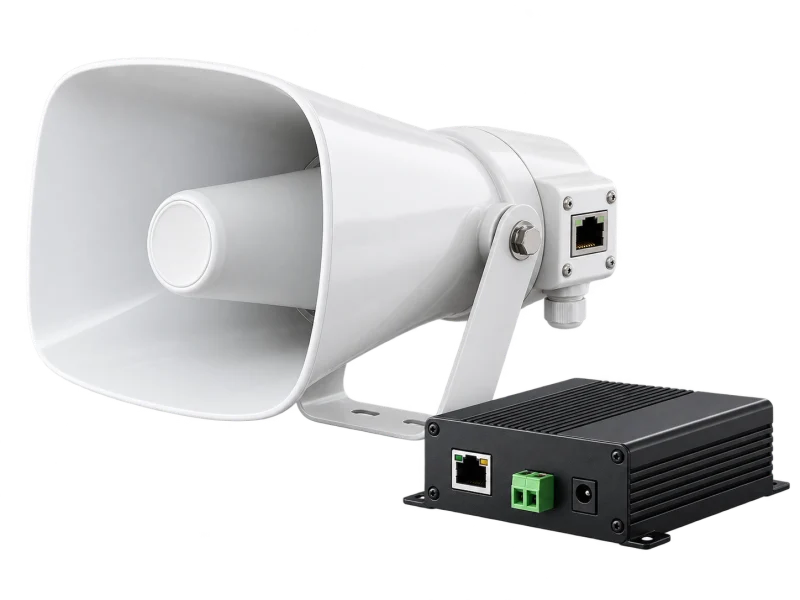
IP horn speaker and network amplifier — concept illustrationAI-generated concept
IP audio

Hikvision network speakers and amplifiers

Hikvision’s public-address range covers amplifiers, microphones, network and analog speakers, with live and scheduled broadcasting.

Each capability is model-specific; models and integration are confirmed in the proposal.

Choose for the listening area

Each space has different noise and reflections.

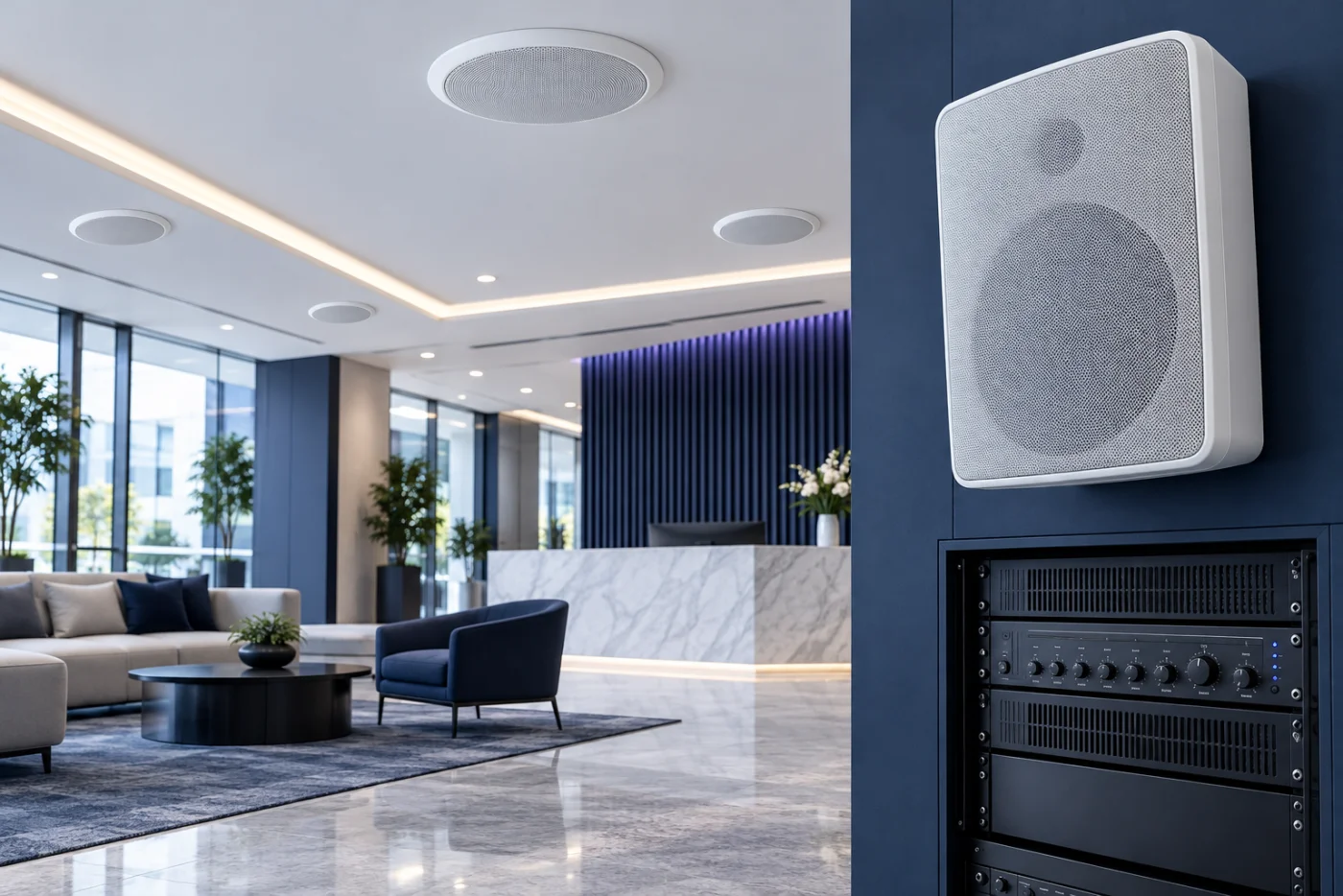
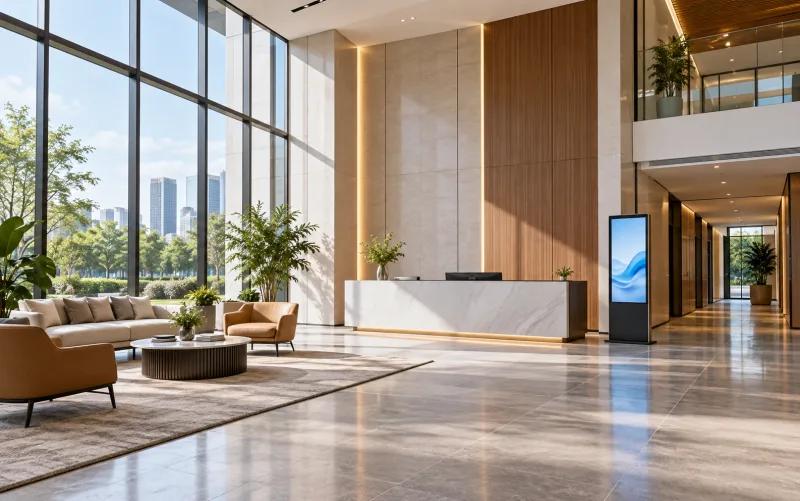
Double-height office reception lobby — illustrative settingAI-generated setting

Offices and lobbies

Paging and soft background music

Even speaker spacing for consistent sound
High-ceiling factory production hall — illustrative settingAI-generated setting

Factories and warehouses

Loud machinery

Horn speakers above the noise level
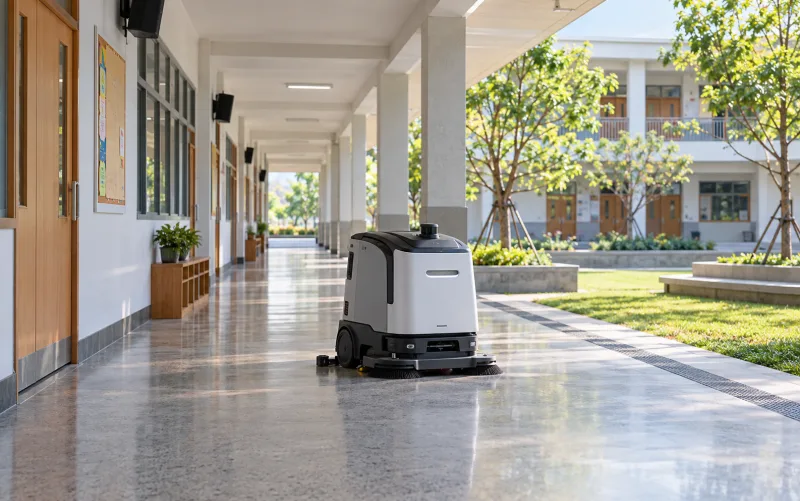
School corridor and courtyard — illustrative settingAI-generated setting

Schools

Scheduled bells and announcements

Separate classroom and field zones
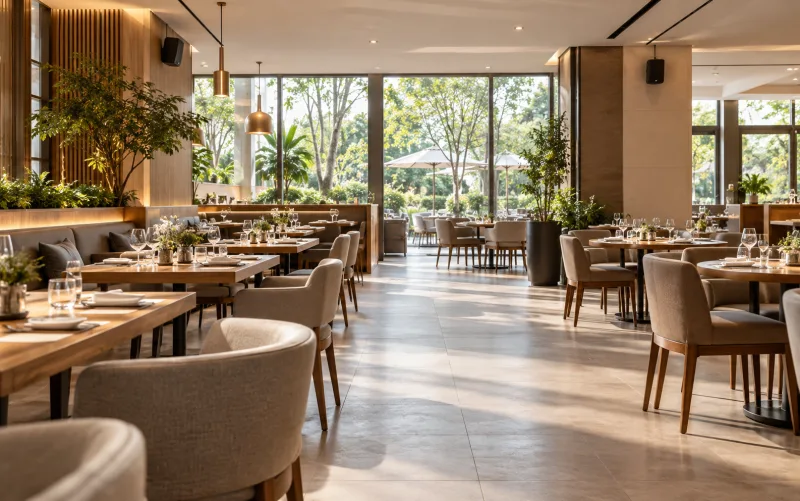
Restaurant with clear service aisles — illustrative settingAI-generated setting

Retail and restaurants

Background music and promotions

Separate volume per area

What makes audio clear and dependable

Zones and priority

Separate zones, scheduled announcements and urgent messages that override music.

Live and scheduled broadcast

Supported IP audio schedules messages and music from software.

Speech intelligibility tests

Tested under real operating conditions with background noise recorded, not in an empty building.

Two brands. Choose for the system type.

Hikvision for IP audio linked to security; Panasonic for conventional PA.

Panasonic

Best for
Buildings wanting a conventional amplifier-and-speaker PA
Why choose it
A familiar professional audio manufacturer
Before choosing
Confirm current models and local warranty

Voice evacuation needs a separate assessment of supervision, backup power and acceptance tests.

LINK American StandardThe cabling DPI specifies for its systems

Clear paging starts with a sound network

IP audio runs on LINK cabling with the building network; DPI plans routes, power and tests for every speaker.

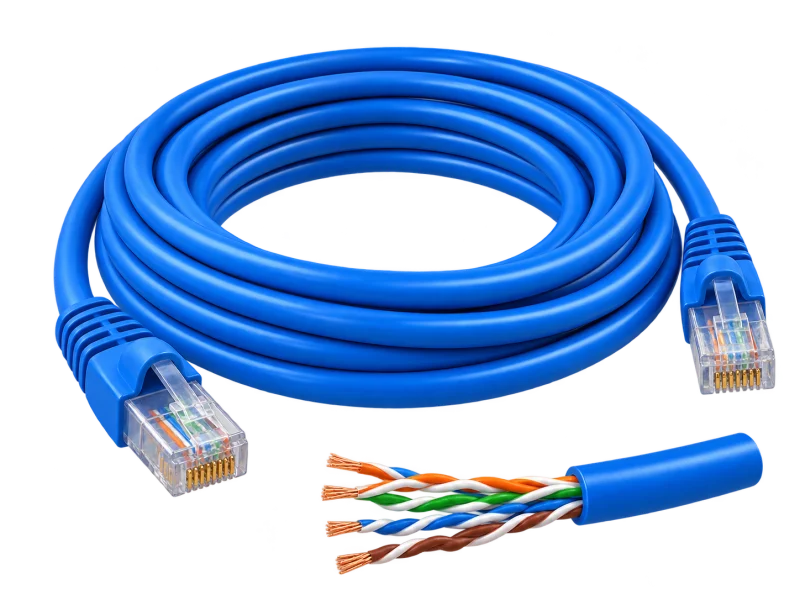
  • US-9106LSZHIndoorCat6 UTP · LSZH250 MHz · 23 AWG · cross filler · ANSI/TIA-568.2-D Category 6

    IP ceiling speakers, paging consoles and amplifiers on the building network.

  • US-9106OUTOutdoorCat6 UTP outdoorPE double jacket · 23 AWG · black

    IP horn speakers in yards, car parks and outdoor walkways.

  • US-9136LSZHLSZH jacketCat6 F/UTP shielded · LSZHFoil shield · 23 AWG · cross filler

    Warehouse and factory runs near motors, where the survey finds interference. Analog 100 V speaker lines use speaker cable to the audio design.

Speaker outlets

Outlets placed to each zone’s speaker positions.

Speaker power

Check network speaker power against the switch or supply.

Test every zone

Test sound and zone selection on the installed system.

Model names and constructions are from LINK’s product list. Cable standards support the design; end-to-end performance is confirmed through the selected equipment, terminations, routing and project acceptance tests.

Explore cabling and acceptance testing

Why buy your audio system from DPI

One team from survey, design and supply to installation, testing and after-sales support.

Authorized distributor and certified partner

Equipment sourced through authorized channels, with model advice and the manufacturer’s warranty terms.

Designed from a site survey

Listening areas, noise and reflective surfaces are mapped before speaker type and spacing.

The whole system, not just devices

Speakers, amplifiers, paging, music sources and links to CCTV or other systems designed as one.

Honest brand advice

Hikvision IP audio when it should join your security system; Panasonic for conventional PA.

Tested before handover

Every zone tested under normal operating noise, with schedules and priorities checked.

Ongoing support nationwide

A Pathum Thani team providing maintenance and technical support across Thailand.

Sound delivered to the right zones

Plan sources, zone control and amplification around the space.

A four-zone PA systemThe control room plays music to the lobby, office and canteen, pages only the warehouse, sounds a lunch bell in every zone, and an urgent message overrides everything.Control roomMusic sourceMixer / ampPaging mic♪♪Lobby♪♪Office♪♪CanteenWarehouse
Office and warehouse building11:58:27
Background music by zone
Analog: the amplifier drives a speaker line per zone, selected at the rack
Microphone / musicPaging and background music
01
Mixer / amplifierAmplifies and selects zones
02
Speaker linesFrom amplifier to each zone
03
SpeakersCeiling, wall or horn
04

Background music by zone

Music runs through the mixer and amplifier to each zone’s speaker line, with levels set per area.

Scene, timing and priorities are illustrative. Zoning, scheduling and priority features depend on the equipment and settings; real levels are tested in the occupied space.

AI-generated equipment concepts, not photographs of specified models.

General audio example. Emergency voice-alarm systems need a separate requirements and equipment review.

Before you specify

  • Assess listening distances, background noise, reflective surfaces and the areas where messages must be understood.
  • Define zones, authorized operators, schedules and priority between paging microphones and background music.
  • Check speaker/amplifier power and wiring, or the power, network and protocol requirements of each IP audio model.

Testing & handover

Agree tests for every zone under representative noise conditions, including message priorities, operator permissions and recovery after power or network interruptions.

Equipment details, compatibility and scope must be confirmed for each project.

Manufacturer references
  • Hikvision public address and security audio
  • Bosch PLENA Voice Alarm installation and operation manual

Before you decide

Will more volume always improve clarity?

Not always. Speaker placement and direction, distance, reflections and background noise affect clarity. Test listening conditions before finalizing equipment and settings.

Can a general PA system replace voice evacuation?

Do not assume they are interchangeable. Evacuation requirements, equipment, supervision, backup power and acceptance tests need a separate assessment with the responsible designers.

From survey to support

The same six stages on every project, so the system is ready on handover day.

  1. 01

    Consultation

    Understand your goals and requirements

  2. 02

    Site survey

    Assess the site and installation conditions

  3. 03

    System design

    Plan the right solution for your operation

  4. 04

    Installation

    Install equipment and integrate systems

  5. 05

    Testing & handover

    Verify performance and train your team

  6. 06

    Maintenance & support

    Maintain equipment and provide technical support

Start with your site

Tell us about your space, the systems you need and what you want to improve.

Discuss your project