
An office that works together
Connect reception, desks, meeting rooms and the rack in one plan before selecting equipment.
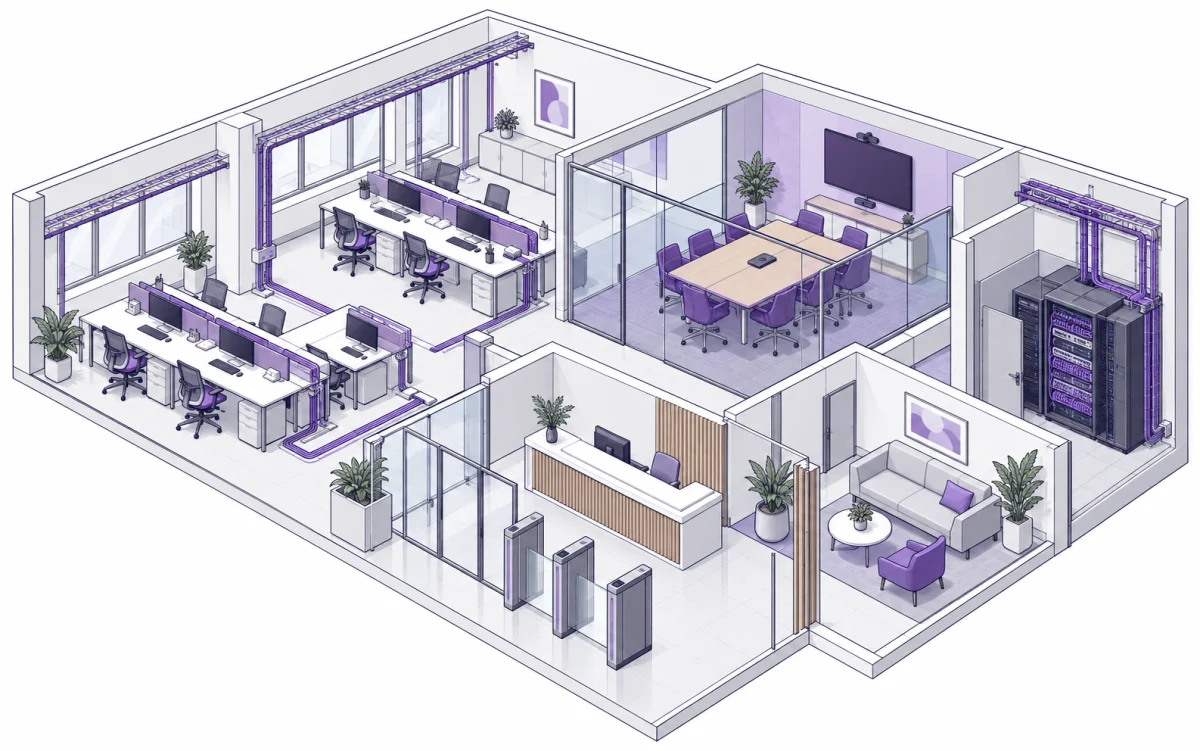
Plan around the whole site
Start with people, working patterns and existing systems. Plan staff, visitor and building-device networks alongside cable routes, access ownership and ongoing support. The illustrated layout is a discussion concept, not an installation drawing or completed project.
Explore each area
Point, tap or use the keyboard to choose an area and see its systems and site checks.
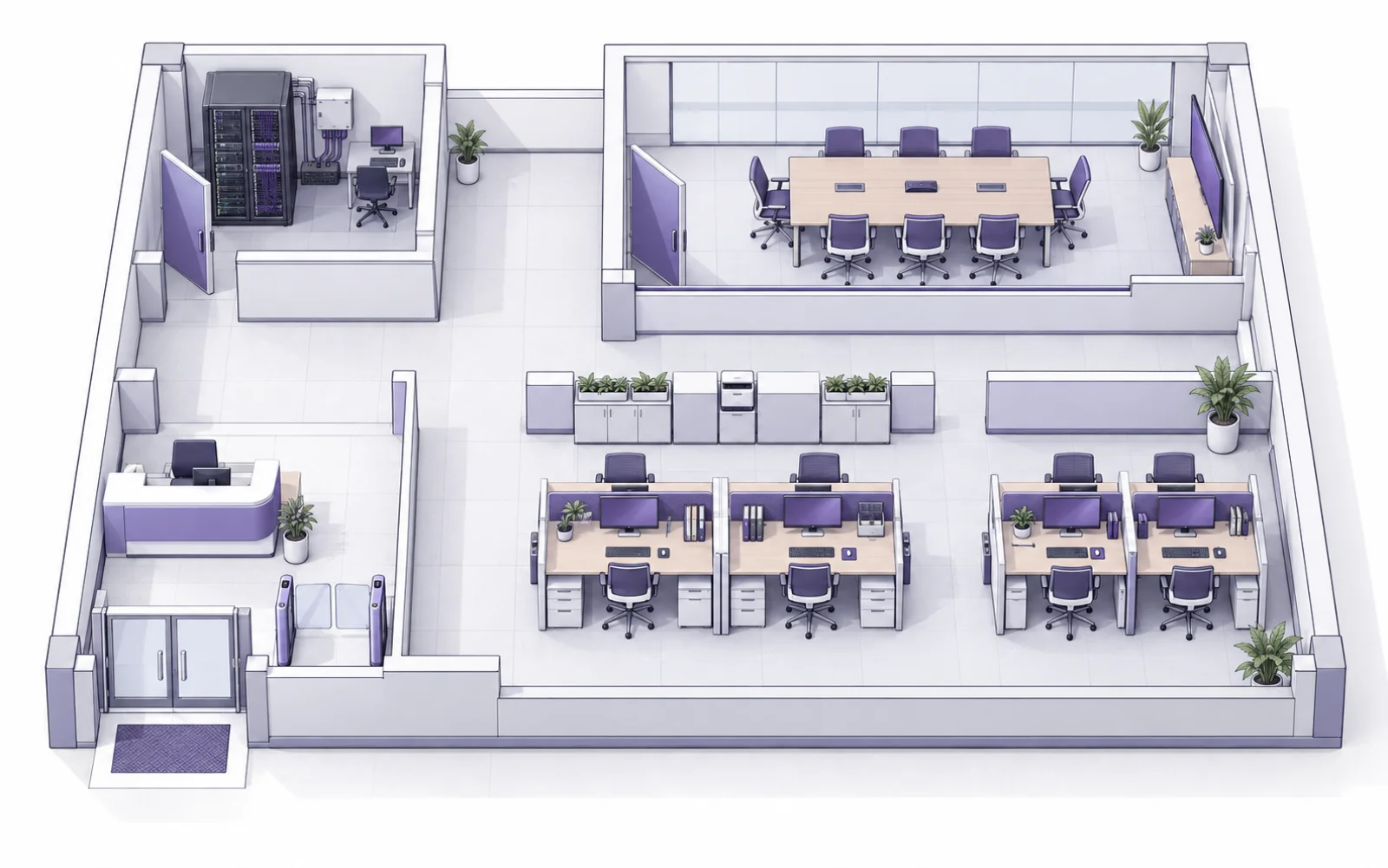
Entrance and reception
Coordinate visitor arrival, door access and reception operation.
What to check
- Define staff, visitor and contractor access, including revocation.
- Check backlighting and areas that should remain outside camera views.
- Review exit arrangements and door behaviour during power loss with building management.
Workplace
Match connectivity and workstations to each team’s actual tasks.
What to check
- Count wired outlets, wireless devices and busy areas.
- Separate guest traffic and define printer access.
- Plan desk moves and traceable outlet labels.
Meeting room
Help room and remote participants see, hear and share content.
What to check
- Try camera framing, lighting and audio from near and far seats.
- Check the meeting host, platform, ports and connecting cables.
- Test joining and screen sharing with the organisation’s actual accounts.
Rack and system core
Organise cabling, network equipment and support records.
What to check
- Check cable routes, lengths, ventilation and maintenance access.
- Check per-port and total PoE demand and the backup-power scope.
- Assign administrator ownership, configuration backups and port records.
AI-generated settings and layouts illustrate system planning. They are not DPI project photographs or installation drawings.
Prepare for the survey
- Floor plan, user numbers and busy periods.
- Internet handoff, existing racks and current network problems.
- Team workflows, printers and required applications.
- Meeting-room geometry, seating, lighting and background noise.
- Door permissions, visitor flow and recording access.
- Installation windows, building restrictions and handover owners.
Agree how the system is accepted
- Test agreed cable links and supply labels and results.
- Check Wi-Fi and network permissions at working locations.
- Run a remote call including audio, video and sharing.
- Check door permissions, recording retrieval and fault procedures.
- Hand over drawings, equipment records, accounts and support contacts.
From the site to an operable system
Define and survey
Map workflows and inspect the site with building and IT owners.
Design and agree
Agree equipment positions, cable routes, permissions and acceptance checks.
Install in stages
Schedule work around downtime windows and a rollback plan.
Verify and train
Test real tasks, train administrators and record the delivered configuration.
Before planning the system
Can existing equipment stay?
Review models, condition, compatibility and administrative access, then identify what can remain and what needs upgrading.
Is adding Wi-Fi enough?
Assess upstream cabling, switching, PoE, internet capacity and concurrent demand alongside access-point placement.
Does installation require an office shutdown?
Agree work windows and cutovers after surveying. Notify users about interruptions and plan recovery before work begins.
Bring your plans to DPI
Share your site, existing systems and priorities so we can assess the project scope together.